ComfyUI で FLUX.2 klein 9B を使う
FLUX.2 klein 9B の編集能力は高い。物体除去、画像のモノクロトーン化、線画を維持した着色が高速でできる。FLUX.2 klein 9B をデフォルトで使い、できないタスクは Qwen Image Edit や FLUX.2 dev や Nano Banana Pro に投げるのがいいだろう。
Klein 4B は MCP サーバーを立てて LLM と同時に使うと楽しい。
昨今の強化学習で絵が固定されたモデルと違い、シードで多様性が出せるのもよい。
欠点
- 一貫性の維持ができない
- 編集すると色が変化する
- FLUX.2 は HEX コードや参照色で色を指定できるが、klein では機能しない
- 1~2ピクセルのピクセルシフトがおこる(ピクセルシフトが問題なら Qwen Image Layered や FLUX.2 dev を使う)
- 参照画像の顔をコピペできない場合は顔がそこそこ変化する
- t2i の性能は Z Image Turbo の方がよりリアルでプロンプトの追従性が高い
- 指が溶けたり腕が増えたりする(蒸留モデルでガチャをすればいいので、あまり問題ではない)
目次
- 必要スペック
- モデル
- ワークフロー
- 実行速度
- サンプラーなど
- プロンプト
- LoRa 作成
- 作例
必要スペック
最新の ComfyUI は VRAM の量は重要ではなくなっている。なぜなら RAM にモデルをロードして、必要な分を VRAM に転送して処理するようなアルゴリズムになったからだ。画像生成 AI は演算ボトルネックなので、RAM からモデルを転送しつつ推論しても生成速度はほとんど低下しない。
8bit 量子化なら、テキストエンコーダー 8.7 GB、モデル 10 GB なので RAM 32 GB で実行可能。
FLUX.2 dev はテキストエンコーダー 24B、モデル 32B と巨大で、RAM の要求量も大きかった。
モデル
FLUX.2 は精度が高い順に max, pro, flex, dev, klein。
flux-2-klein-9b は4ステップ蒸留モデル。ベースモデルは base がつく(FLUX.2-klein-base-9B)。
9b と 4b とで VAE の内部構造が異なるため互換性はない。4b を使う場合は 4b の VAE をダウンロードして使う。
テキストエンコーダーも 8b と 4b では サイズが違う。
| 配置場所 | URL |
|---|---|
| models/unet | unsloth/flux-2-klein-9b-Q8_0.gguf |
| models/text_encoders | Comfy-Org/qwen_3_8b_fp8mixed.safetensors |
| movels/vae | Comfy-Org/flux2-vae.safetensors |
Black Forest Labs 公式の VAE は bf16 だが、Comfy-Org の VAE は fp32。Comry-Org は bf16 版を fp32 にしているだけなのでデータ本体の精度は bf16。計算時に fp32 が自動的に使われるので、精度由来の問題が起こりづらいのが Comfy-Org 版の VAE の利点。ただし VAE エンコード・デコードに時間がかかる。なので Black Forest Labs の VAE で問題がないなら、動作が高速な bf16 版でいい。
そのほかのモデル
| 説明 | モデル |
|---|---|
| 公式 fp8 | black-forest-labs/FLUX.2-klein-9b-fp8.safetensors |
| 公式 nvfp4 | black-forest-labs/flux-2-klein-9b-nvfp4.safetensors |
| 公式 VAE | black-forest-labs/diffusion_pytorch_model.safetensors |
fp8 は RTX 4000 番台以降なら GGUF 比で 30% 程度高速化する。ただし精度は Q8_0 より劣る。
nvfp4 は RTX 5000 番台以降で使える。精度は fp8 相当。GGUF 比で2倍以上高速化する。
INT8
RTX 3000 番台は INT8 + TorchCompile で bf16 や GGUF 比で2倍高速化する。詳細は Your 30-Series GPU is not done fighting yet. Providing a 2X speedup for Flux Klein 9B via INT8. を参照。
ワークフロー
左のテンプレートタブから検索するか、FLUX.2 [klein] 4B & 9B - Fast local image editing and generation からダウンロードできる。
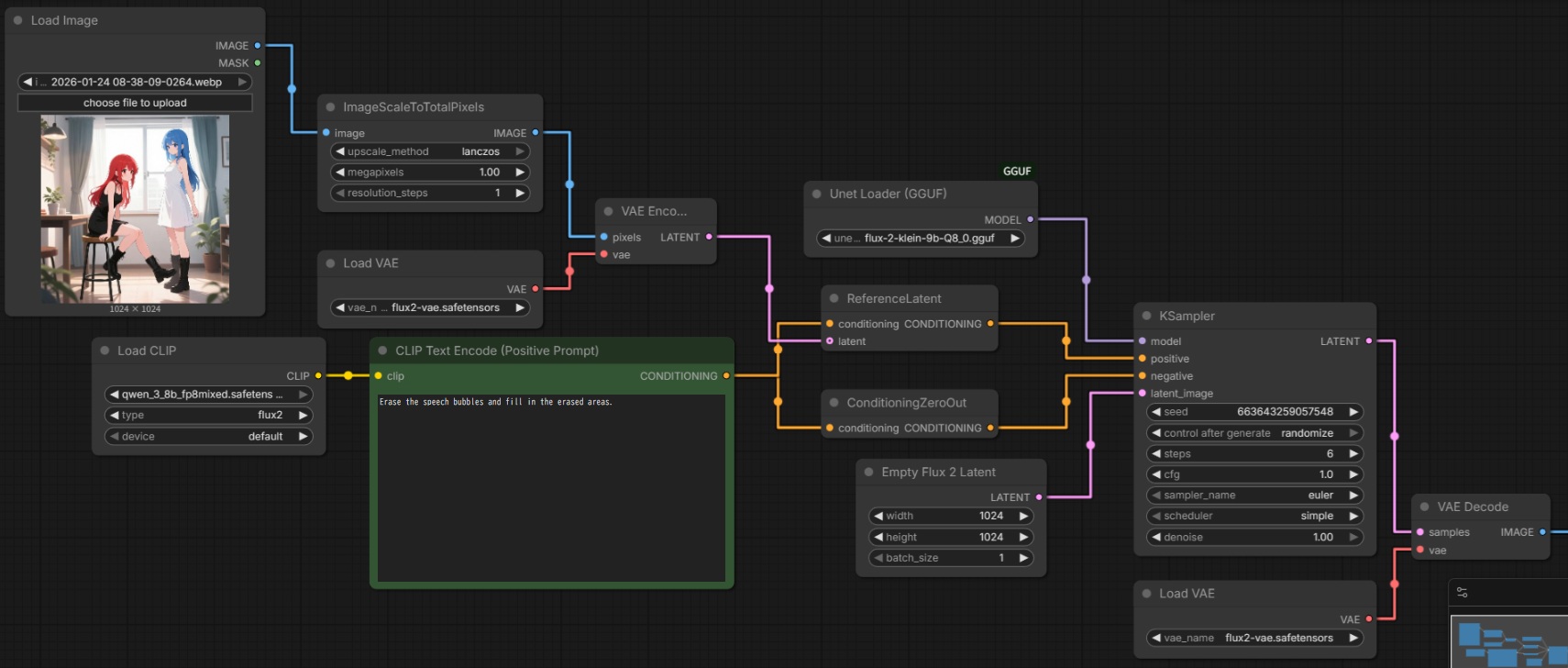
公式ワークフローはサンプラーを自作しているが KSampler も機能する
ワークフローは git pull でアップデートされないので pip install を実行する必要がある。
./venv/Script/activate
pip install -r ./requirements.txt
画像を複数枚入力するときは、ReferenceLatent を追加する。klein は最大で4枚の画像入力に対応しているが、これは API からの制限であってローカルではメモリの許す限り追加可能(機能は保証されない)。
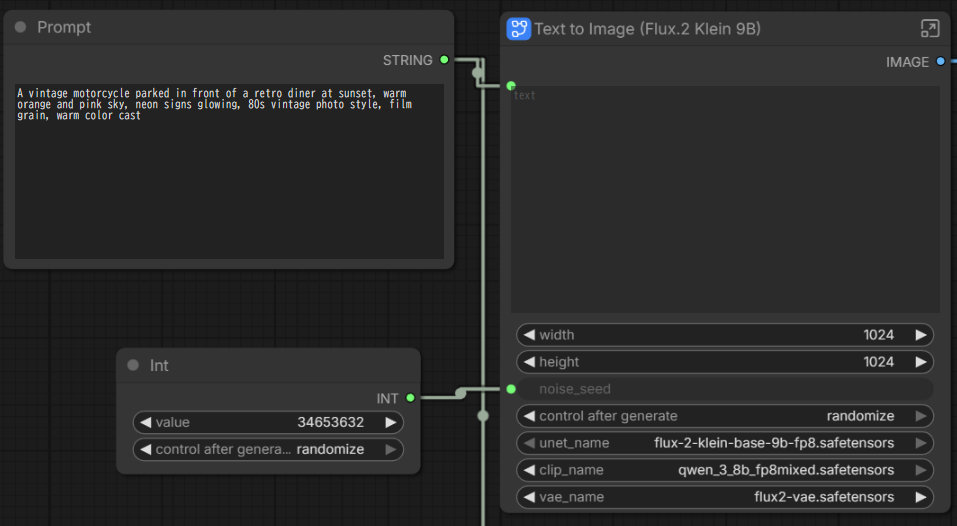
公式ワークフローのシードがランダム化されないバグ
サブグラフの数値でシードが上書きされるのでシードがランダム化されない。Int ノードをつないでランダム化することで対処可能。
実行速度
環境
- OS:Win11 24H2
- RAM:DDR4 32GB
- GPU:RTX3050
- VRAM:8 GB
- Python 3.12.9
- torch 2.9.1+cu128
- triton_windows-3.5.1.post23
- SageAttention v2.2.0-windows.post4
- 4 ステップ蒸留モデル(unsloth/flux-2-klein-9b-Q8_0.gguf)
- cfg 1
入力画像なし
| 出力解像度 | 推論速度 (s/it) |
|---|---|
| 1,024 x 1,024 | 5.9 |
| 1,024 x 1,536 | 8.3 |
入力画像あり
| 入力解像度 | 出力解像度 | 推論速度 (s/it) |
|---|---|---|
| 1,024 x 1,024 | 1,024 x 1,024 | 10.8 |
| 846 x 1,240 | 846 x 1,240 | 10.8 |
| 846 x 1,240 | 768 x 1,536 | 11.6 |
| 846 x 1,240 | 1,536 x 1,024 | 13.3 |
SageAttention なし・入力画像あり
| 入力解像度 | 出力解像度 | 推論速度 (s/it) |
|---|---|---|
| 1,024 x 1,024 | 1,024 x 1,024 | 11.6 |
サンプラーなど
Creating Realistic (Almost) Images with Flux.2 Klein 9B (Distilled) T2I
サンプラーに res_multistep を使い CFG を 0.8 にするとディティールが増える。これは他のモデルでも使える。ただし CFG を1以外にすると推論時間が約2倍になるのが欠点。
プロンプト
プロンプトから入力画像を参照するには image 1 や image 2 のように指示する。
公式プロンプトガイド:Prompting Guide - FLUX.2 [klein]。
そのほかの編集プロンプトはプロンプトガイドを参照。
編集指示を分割する
背景合成・ポーズ変更・複数人の服変更・スタイル変更・背景の不要物除去を一度にやらせても絶対に成功しない。編集指示を分割し、一度に変更するのは1箇所だけにすると成功率も品質も高い。
Qwen Image Edit との回転挙動の違い
| モデル | 挙動 | 説明 |
|---|---|---|
| パン | カメラの位置を変えずに水平方向(左右)に首を振る rotate the camera to the left はカメラを固定して左を向くと解釈される | |
| FLUX.2 klein | 回り込み | 被写体の周りをカメラが移動 rotate the camera to the left は被写体の方を向いたままカメラの位置を左に移動すると解釈される |
カメラアングル
カメラアングルの検証はFLUX.2-kleinでカメラアングル チャレンジを参照。
プロンプトは以下の3要素の合成:
- {front|front-right quater|front-left quater|back|back-right quater|back-left quater|right side|left side} view
- {eye-level|high-angle|low-angle} shot
- {close-up|medium shot|wide shot}
ハイ・ローアングル
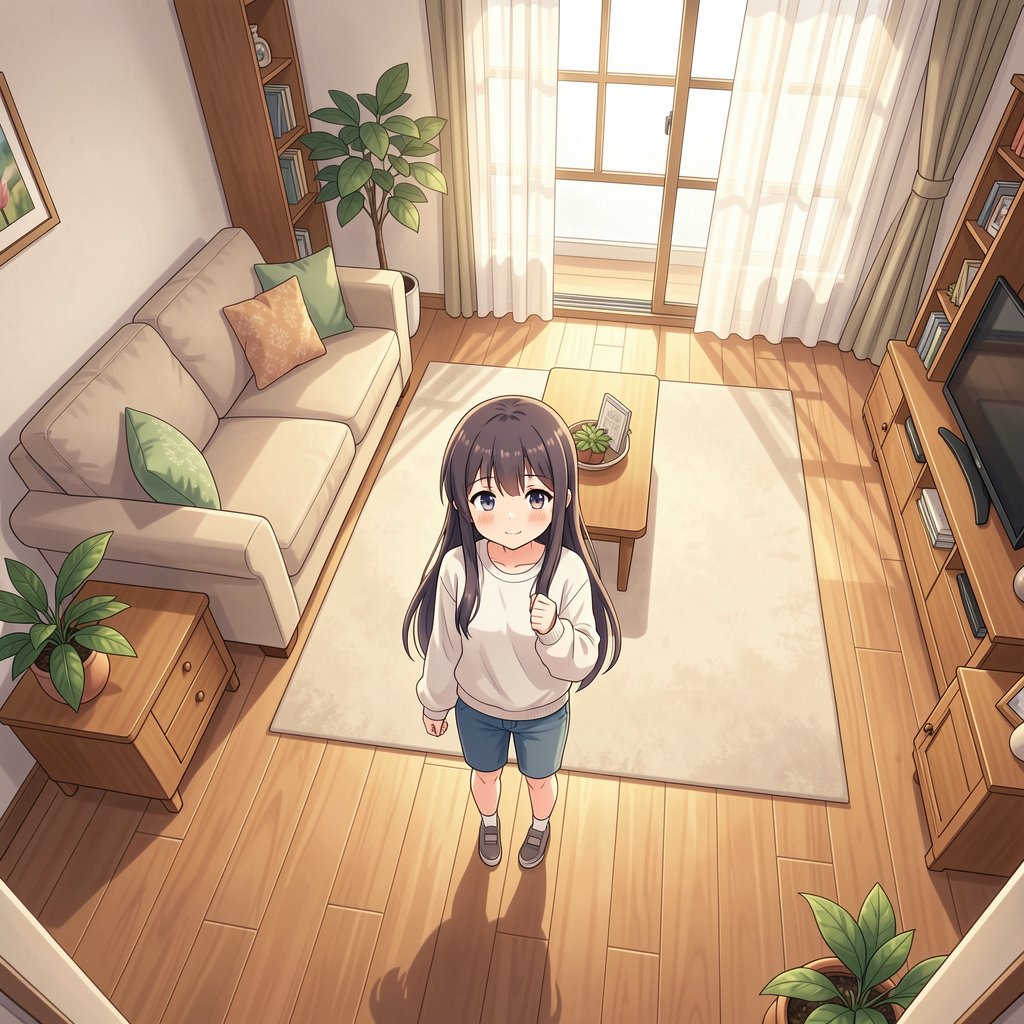
結果
Anime style.

A girl is standing in the living room. Ultra high angle and the camera is looking down at the girl. Wide shot.
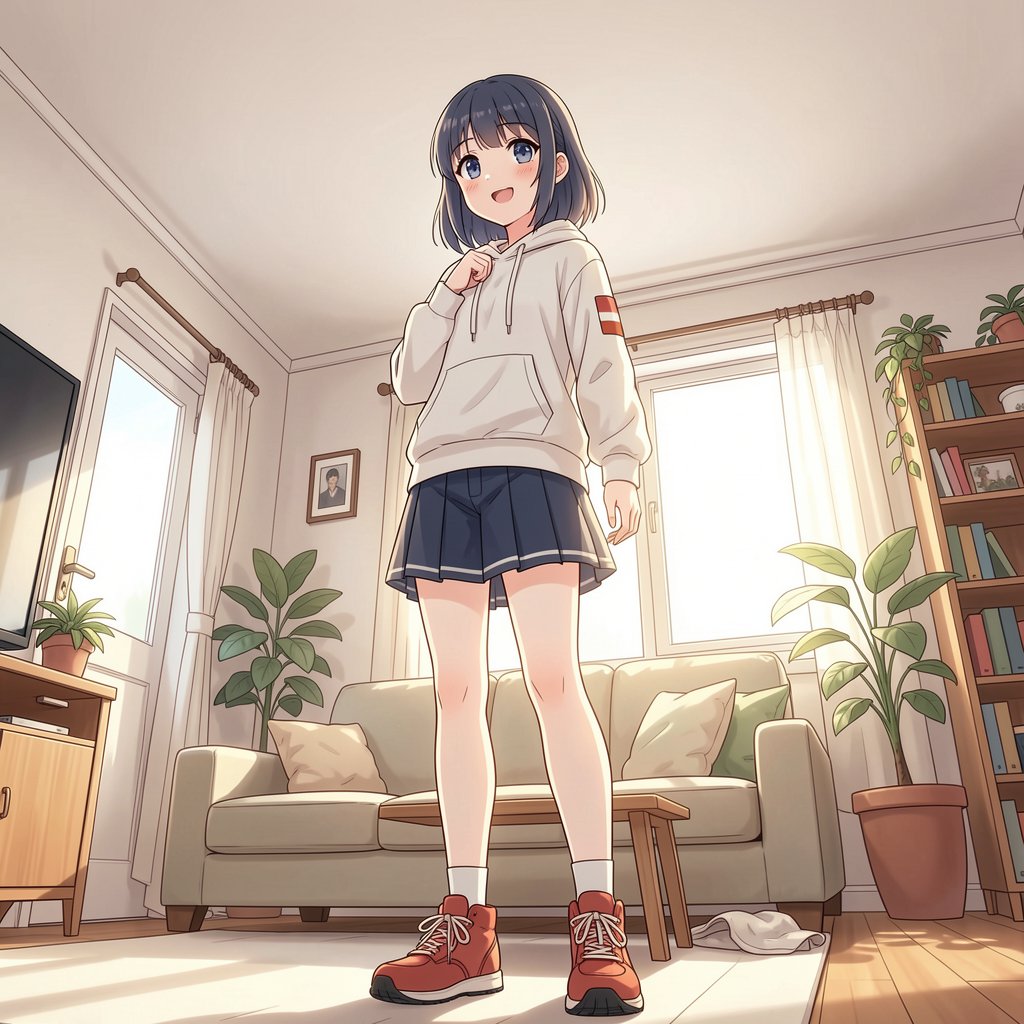
結果
Anime style.

A girl is standing in the living room. Ultra low angle and the camera is looking up at the girl. Medium shot.
超ローアングル
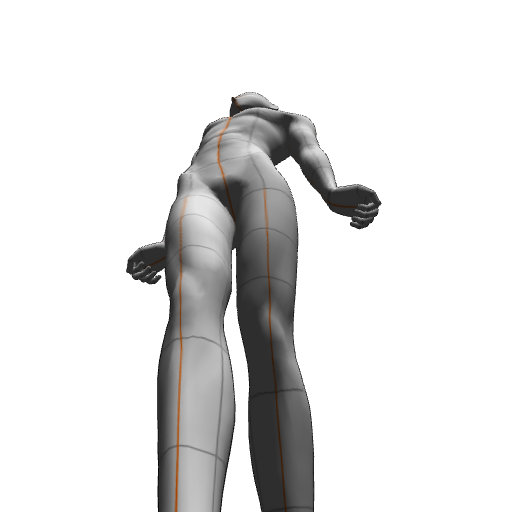
image 1
クリスタのデッサン人形
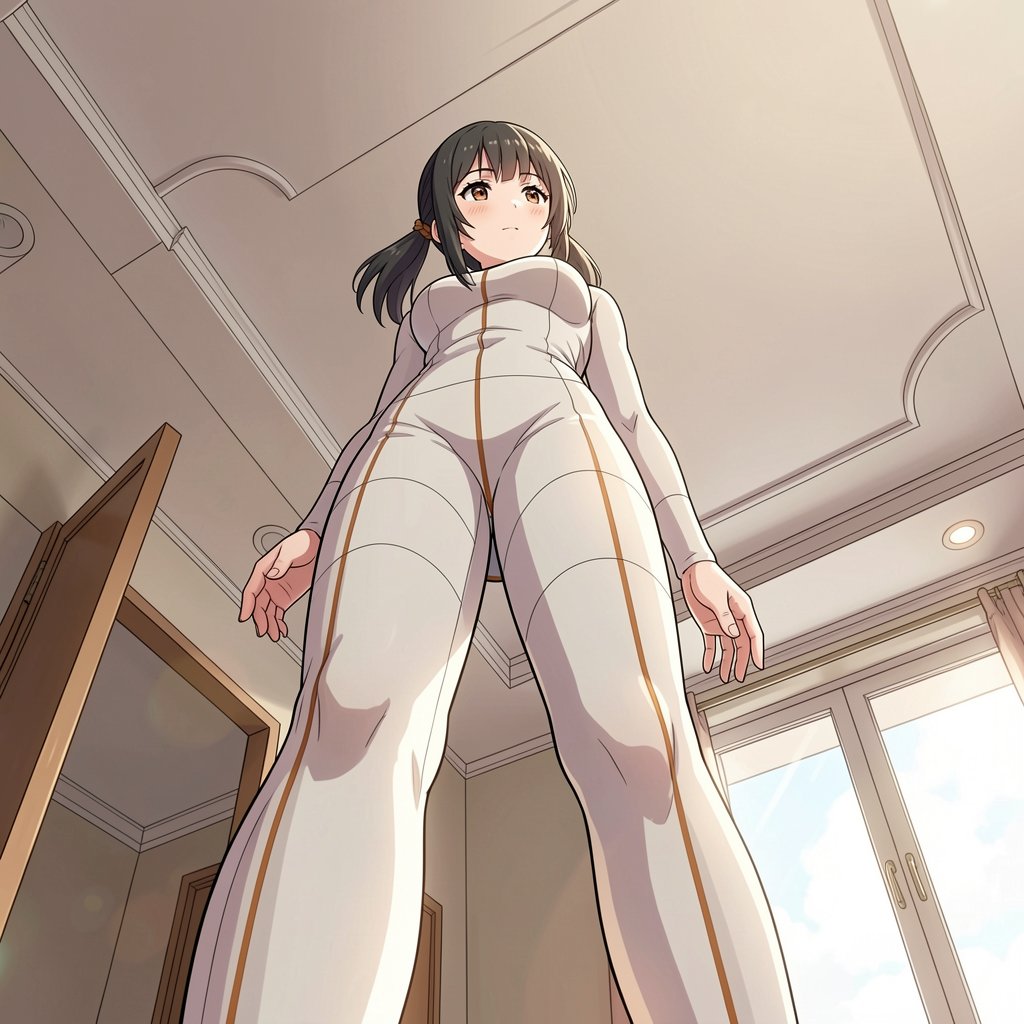
結果
「背景のメインは天井」と指示しないと、家具や床を描いてしまう。
Anime style.

Transform in a photography. A girl is standing in the indoor room. Ultra low angle and the camera is looking up at the girl.

# background

Most of the background is the ceiling.
視点の変更をプロンプト化するノード
jtydhr88/ComfyUI-qwenmultiangle
SamLiu1000/ComfyUI_Rabbit-Camera-Perspective
スタイル
出典:FLUX.2-klein is absolute insanity. Model of the Year !!
Restyle image to
- collage
- Glitch Art
- Pixel Art
- Low Poly
- Sticker Art
- Woodblock (Ukiyo-e)
- Sketch/Doodle
- Line Art
- Steampunk
- Synthwave/Outrun
- Watercolor
- Retro Anime (90s Style)
- Chibi/kawaii
- Manga/Comic
- Cyberpunk
- Studio Ghibli Style
LoRa 作成
作例
設定はすべて cfg 1、SageAttention あり。デフォルトのステップ数は6。
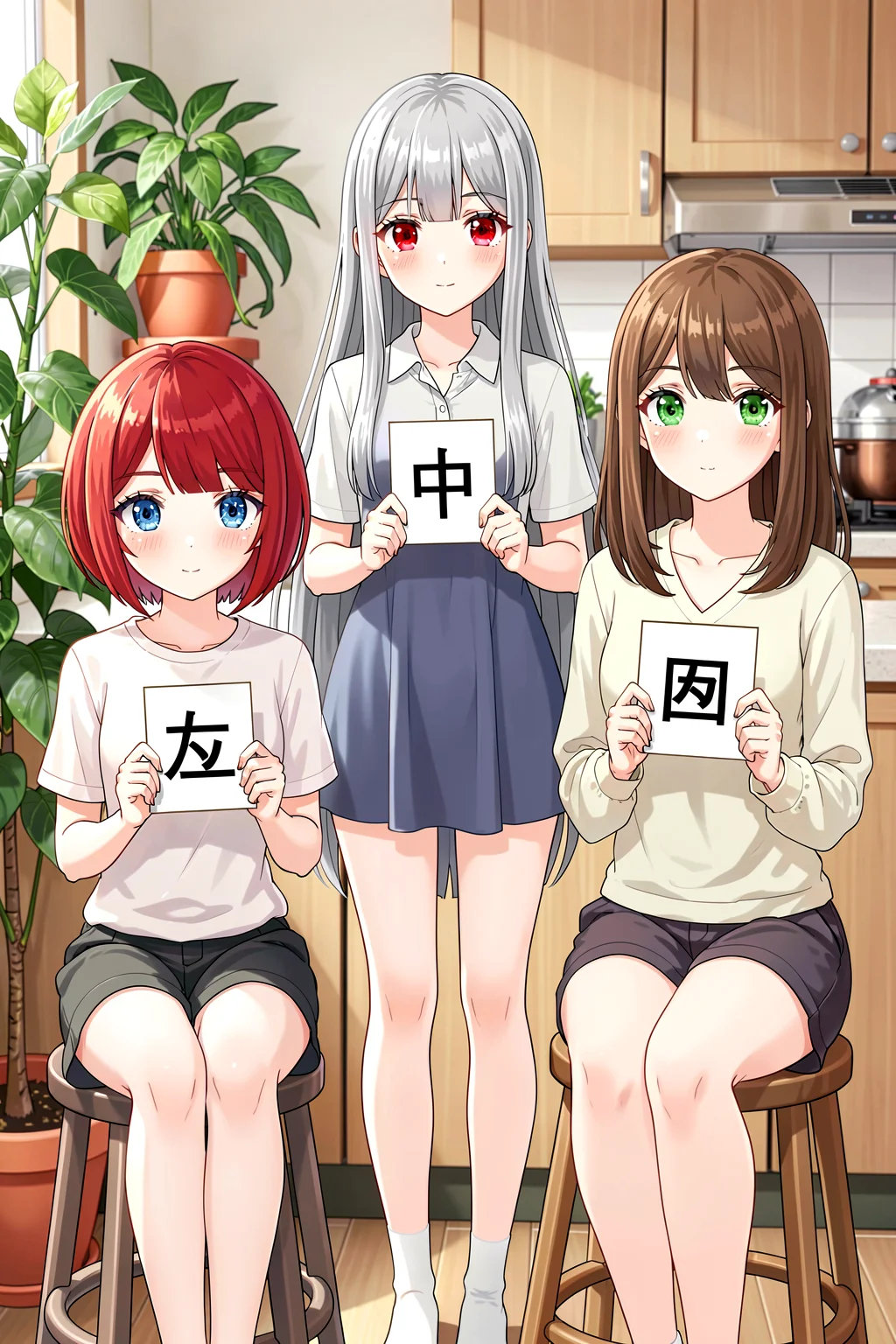
蒸留モデルなのに 20 steps で生成してしまったもの
日本語レンダリング能力は低いのと、真ん中のキャラの服の構造があやしい。それ以外はほぼ完璧
# person
There are three girls in a room.
- left: short red hair and blue eyes. She is sitting on a stool holding a card with the word "左" written on it.
- middle: long silver hair and red eyes. She is standing and holding a card with the word "中" written on it in both hands.
- right: medium brown hair and green eyes. She is sitting on a stool and holding a card with the word "右" written on it.

# background
potted plants and a kitchen.

# style
Anime style.
表紙デザイン
How to Design Magazine Layouts and Covers Using Nano Banana Pro が参考になる。Nano Banana Pro のように見出しを自動的に考えてくれないので、見出しは自分で書く。「ビジネス向けのパンフレットの表紙のカバーに書かれていそうな文字を考えてください。"This is generated by AI" と "Special Edition" がすでに描かれています。」のようなプロンプトで AI に考えさせてもいい。
「本 表紙デザイン」で画像検索して、プロのデザインに似せるようにする。Kindle で出版されている素人の表紙はアンチパターンとして参考になる。
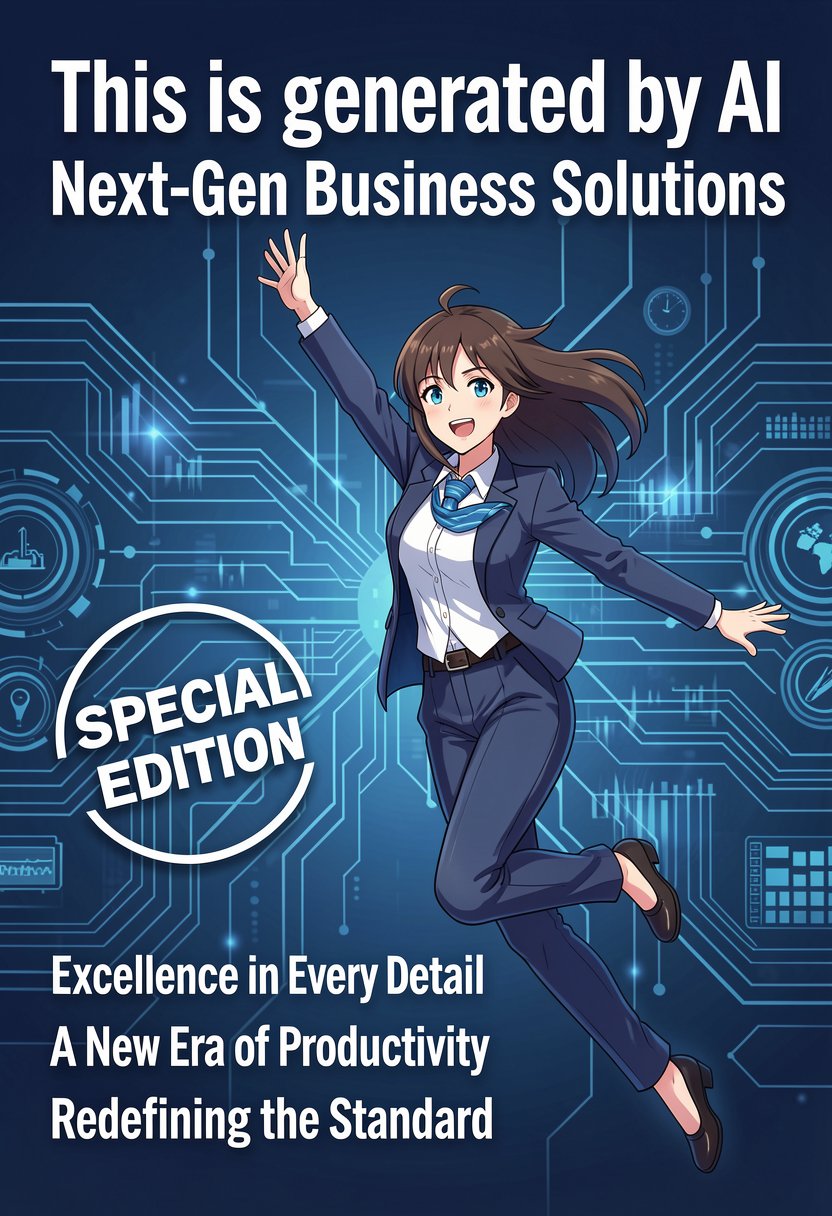
青一色なのはよくない
フォントサイズが同じで退屈
Create a cover with a business/tech design that "This is generated by AI" title.

Subtitle is "Next-Gen Business Solutions".

The letter "Special Edition" is marked by a circle.

There is a woman in an anime style wearing a suit and jumping.

Write following leads:
"Excellence in Every Detail"
"A New Era of Productivity"
"Redefining the Standard"

Nano Banana Pro
Nano Banana Pro は元の完成度が高くない場合は、
ゼロから作り直した方が良いものができる
この表紙デザインをプロのようなデザインに変更してください。以下の要素は変更して構いません:
- フォントサイズ
- フォント
- 背景
- 人物のポーズ
- 人物の大きさ
- Special Edition のマークデザイン
編集
ポージング
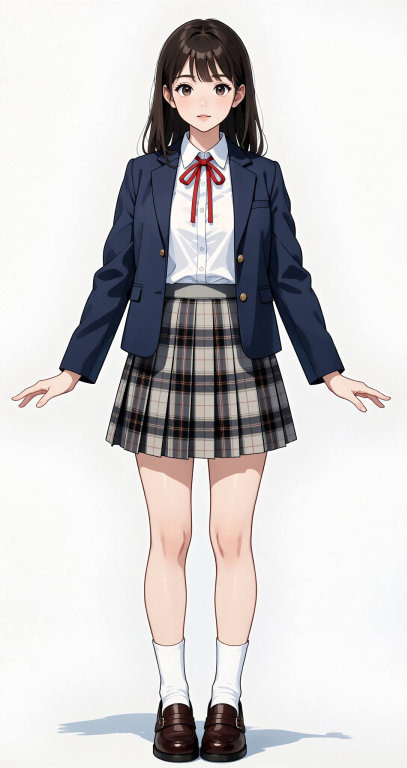
image 1
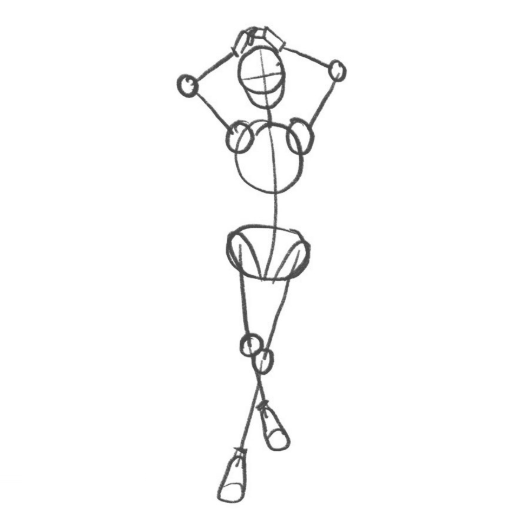
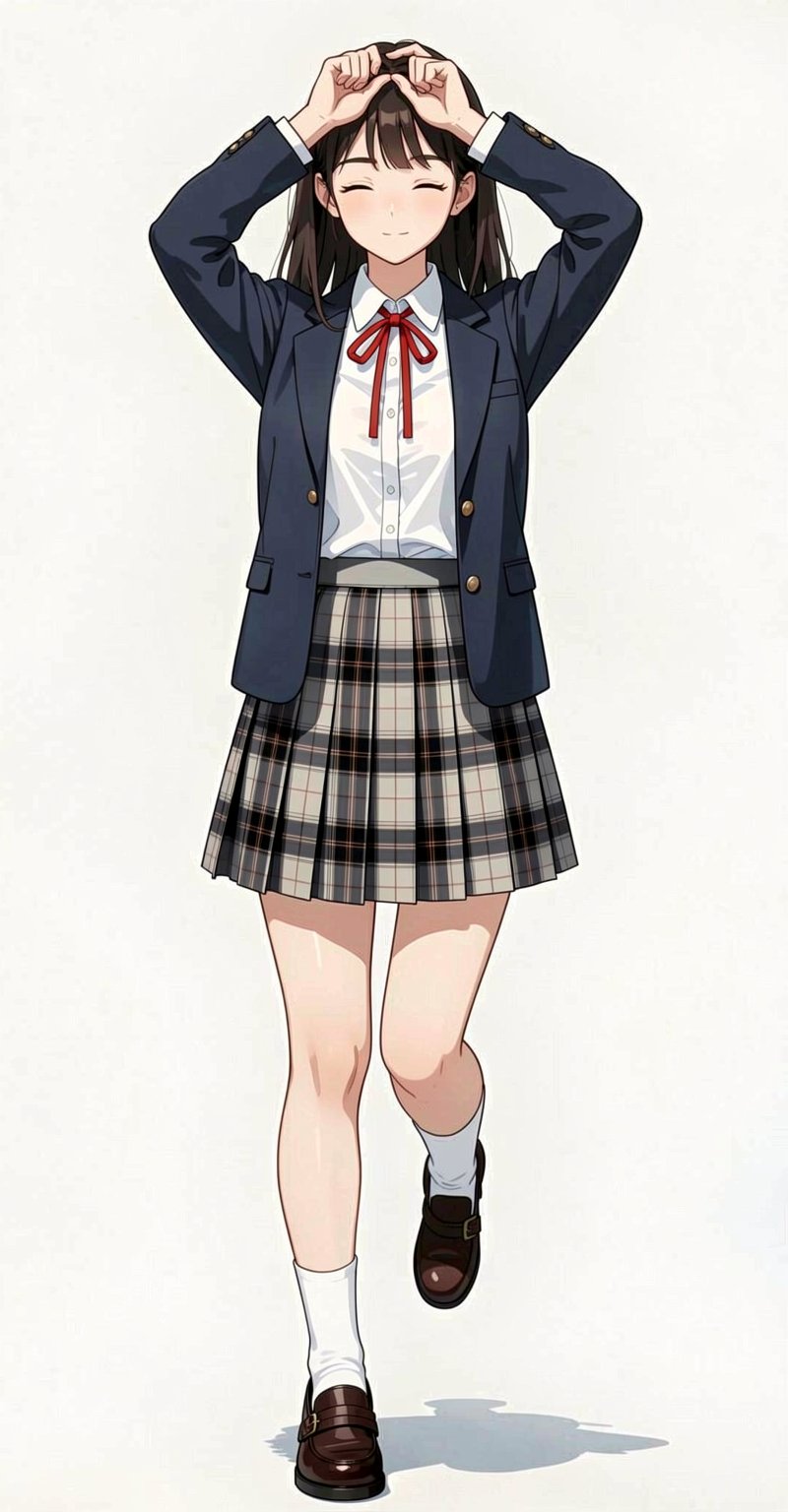
結果
細かいポーズのミスは、ガチャをするよりプロンプトで指示した方が早い
Match a pose from a reference image.
編集によるポーズコピー
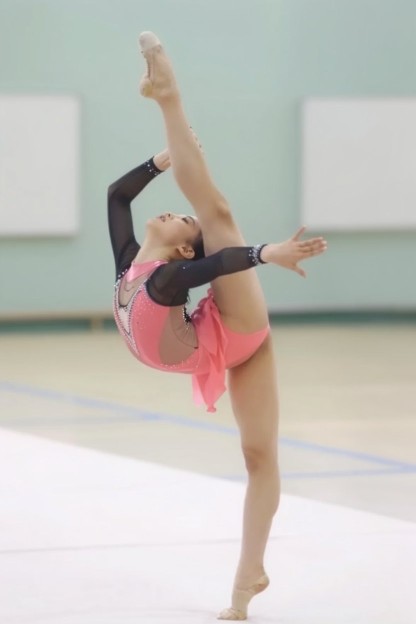
image1
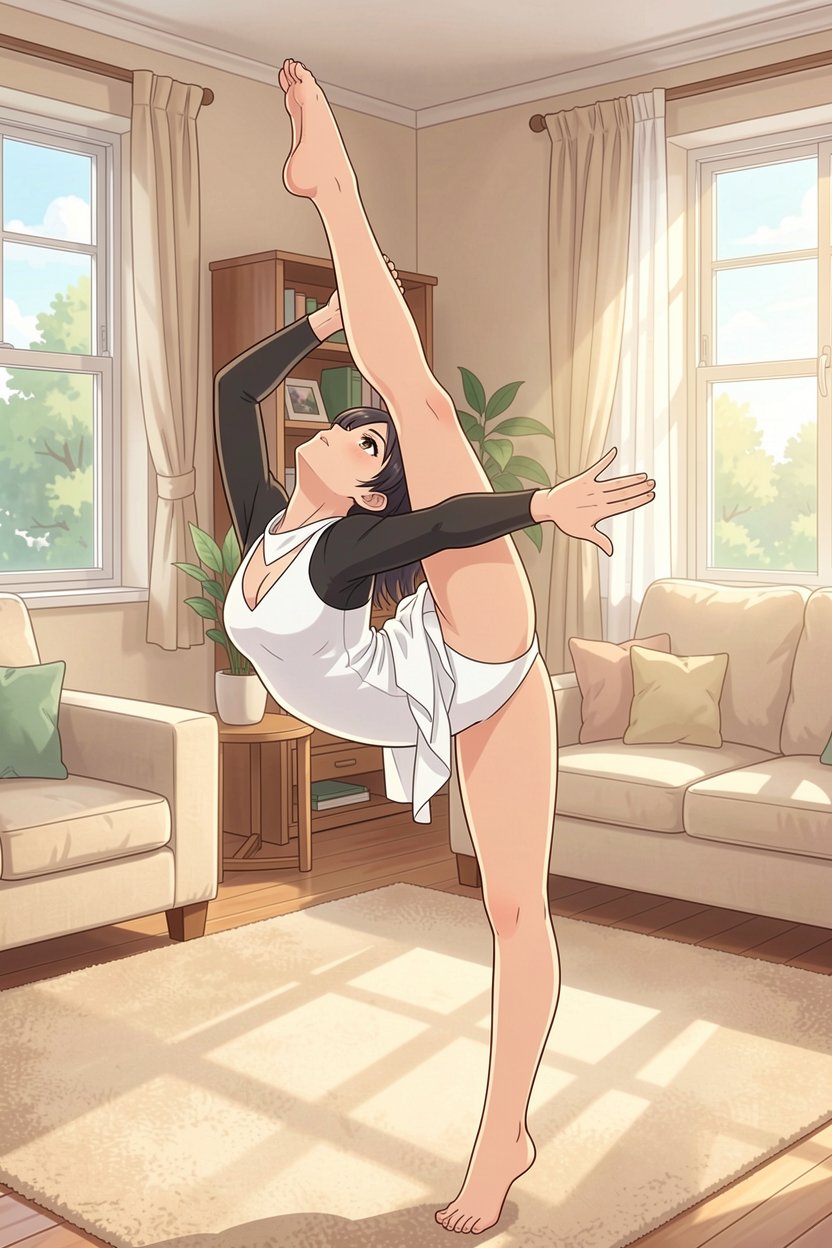
結果
Restyle image to Anime.

She is wearing a white leotard but barefoot.

# background

The background is a living room in the daytime. There is a beige carpet.
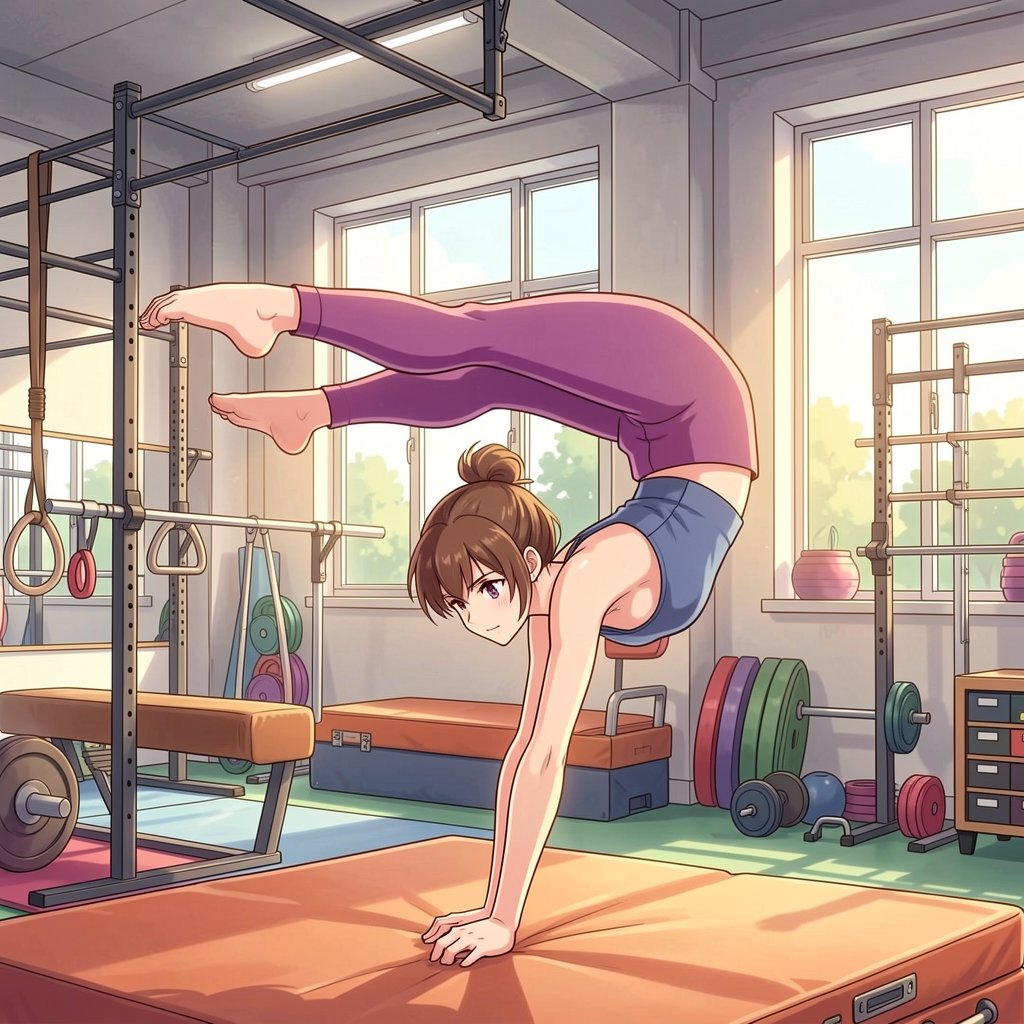
ラフをイラスト化
Testing my sketches with flux-2-klein 9B に多くの作例がある。
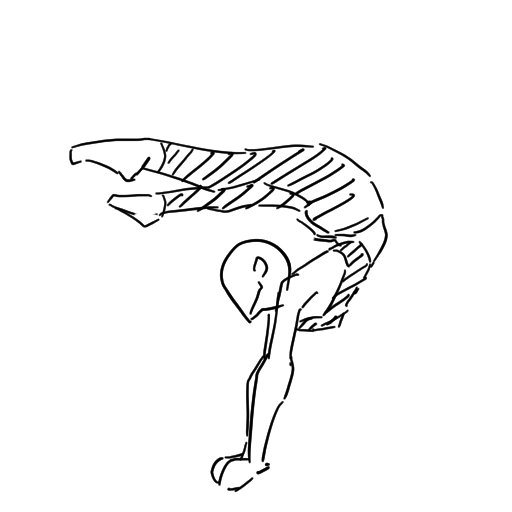
image1
結果
柱梁接合部がおかしいのと、窓枠がだいぶ変
Anime Style.

Transform in a photography. A woman is doing gymnastics in the gym.
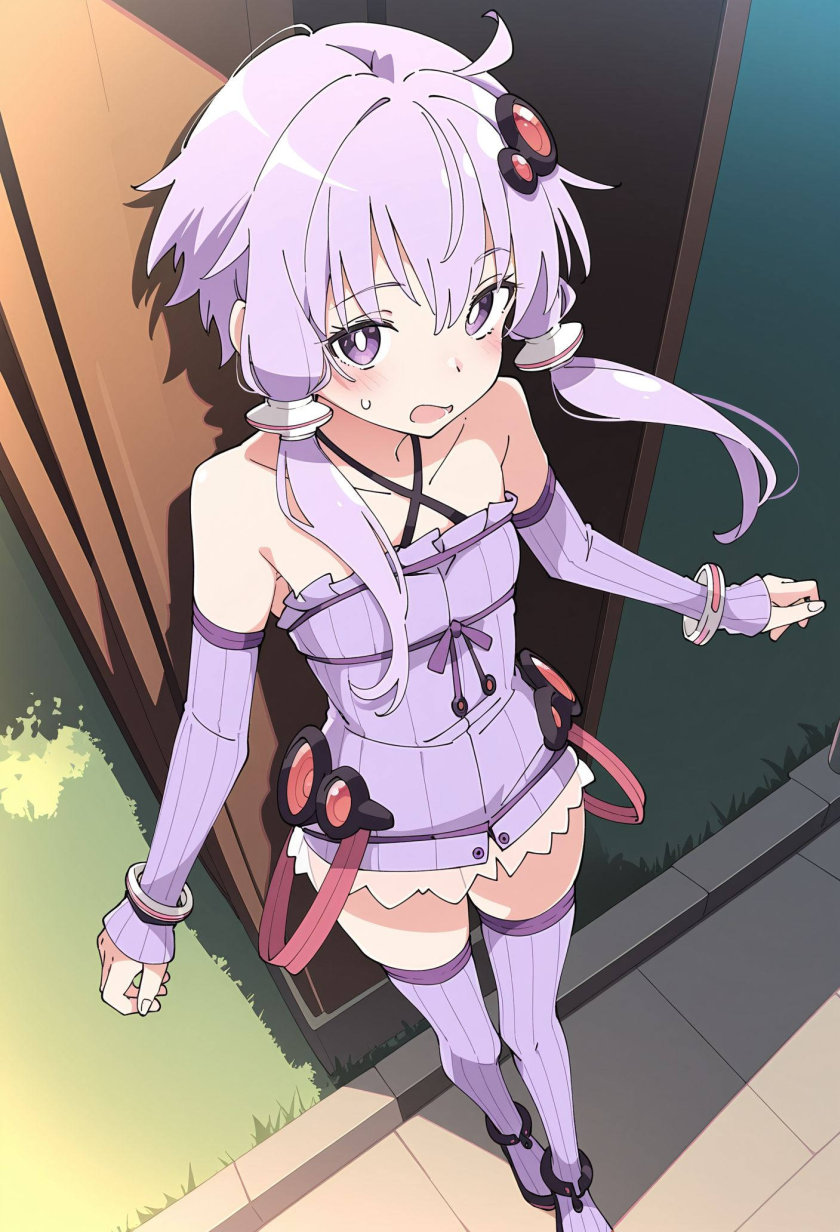
パーツ除去
入力画像
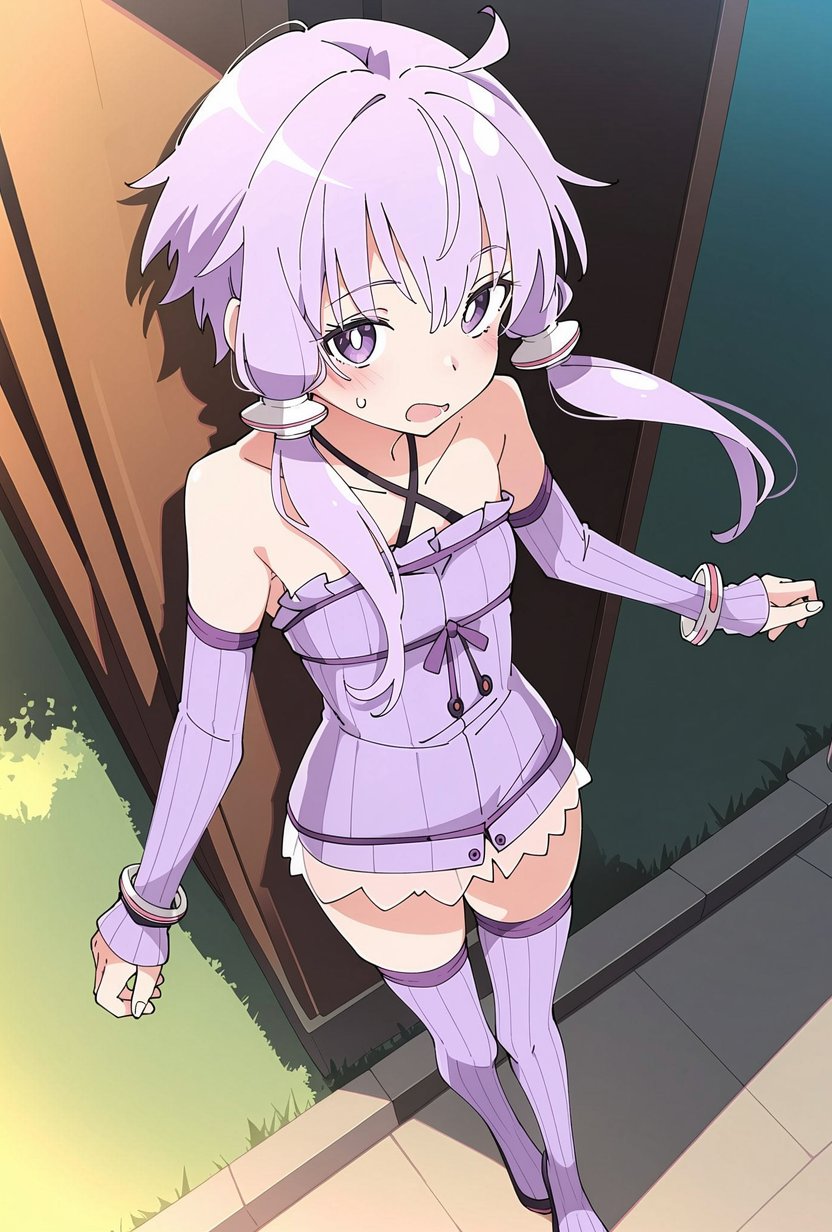
肌の赤みが若干増し、コントラストがすこし高くなっている。全体的に彩度がわずかに高い
Remove the hair red and black ornament on her upper head.
Remove the waist red and black ornament on her left and right waist.
Do not change any irrelevant parts.
吹き出し除去
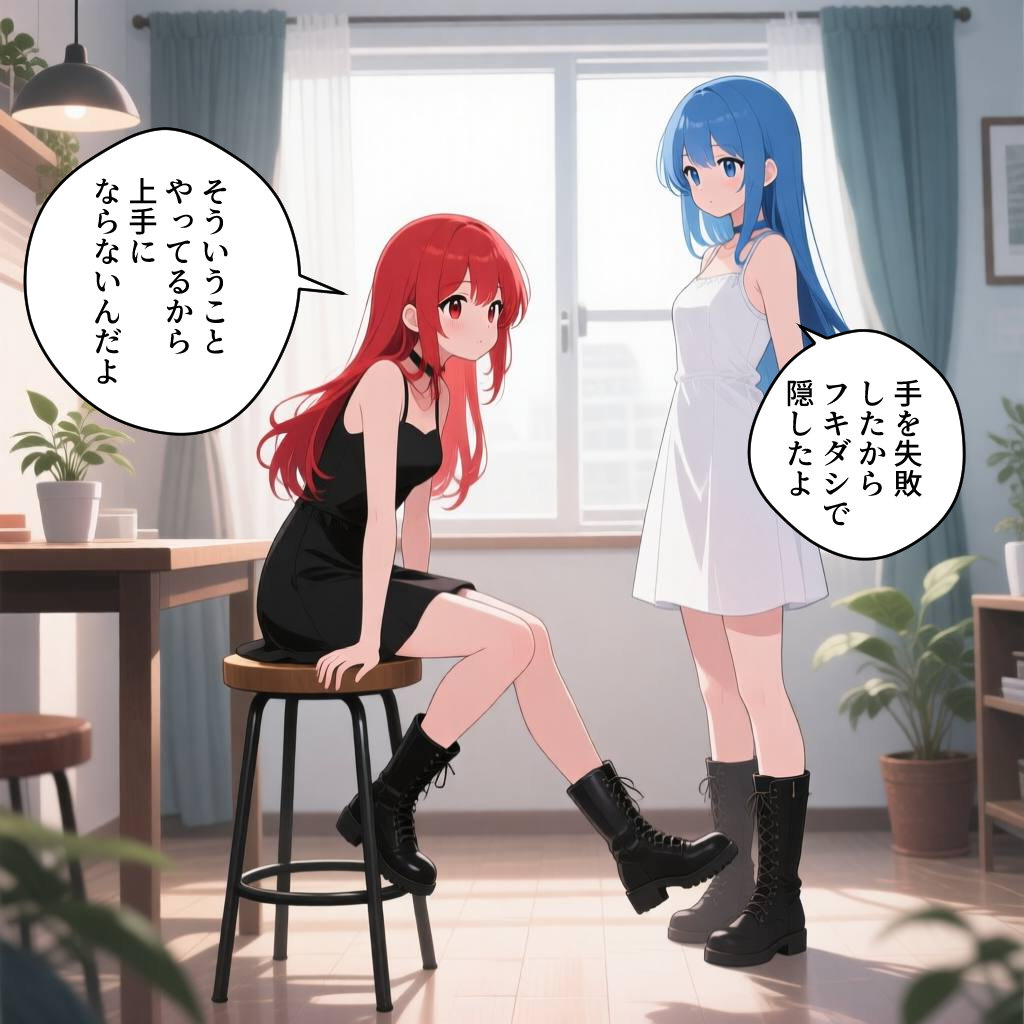
入力画像
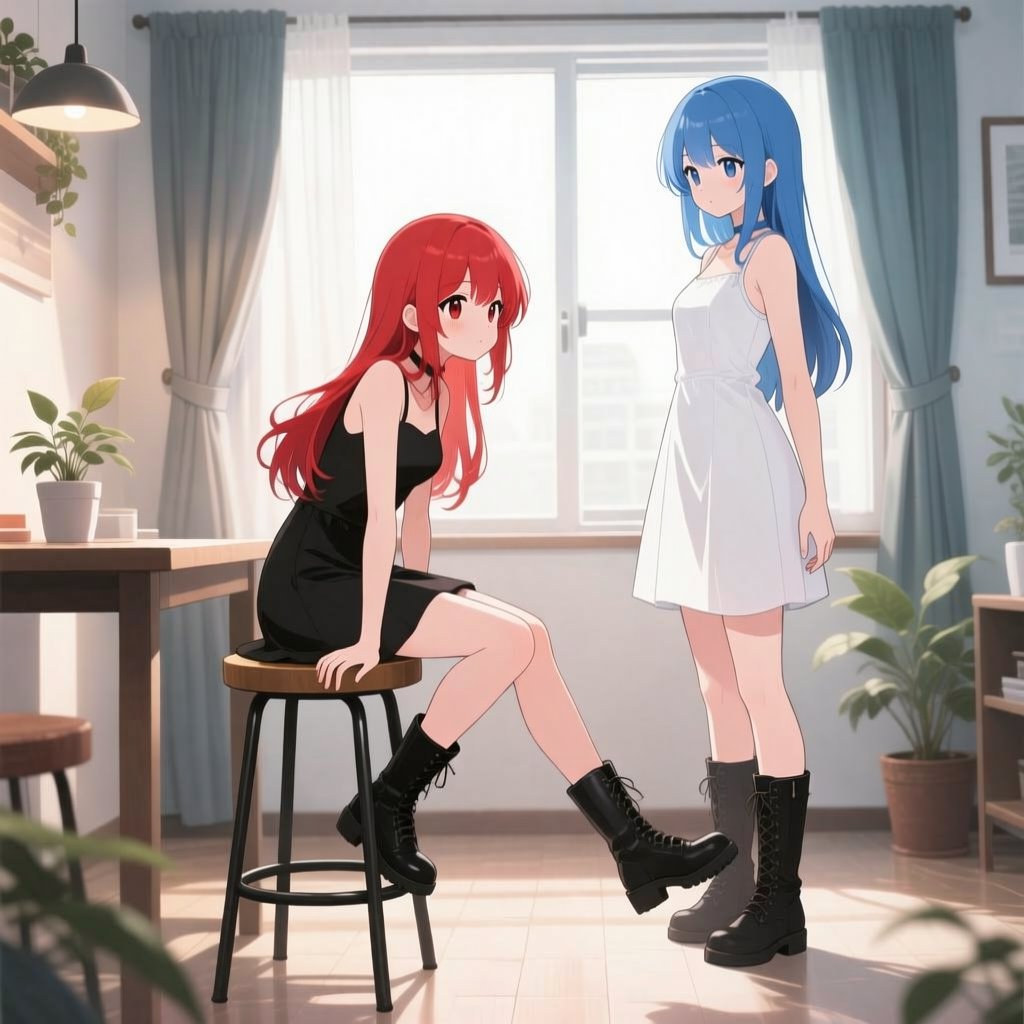
結果
Erase the speech bubbles and fill in the erased areas.
背景除去
入力画像
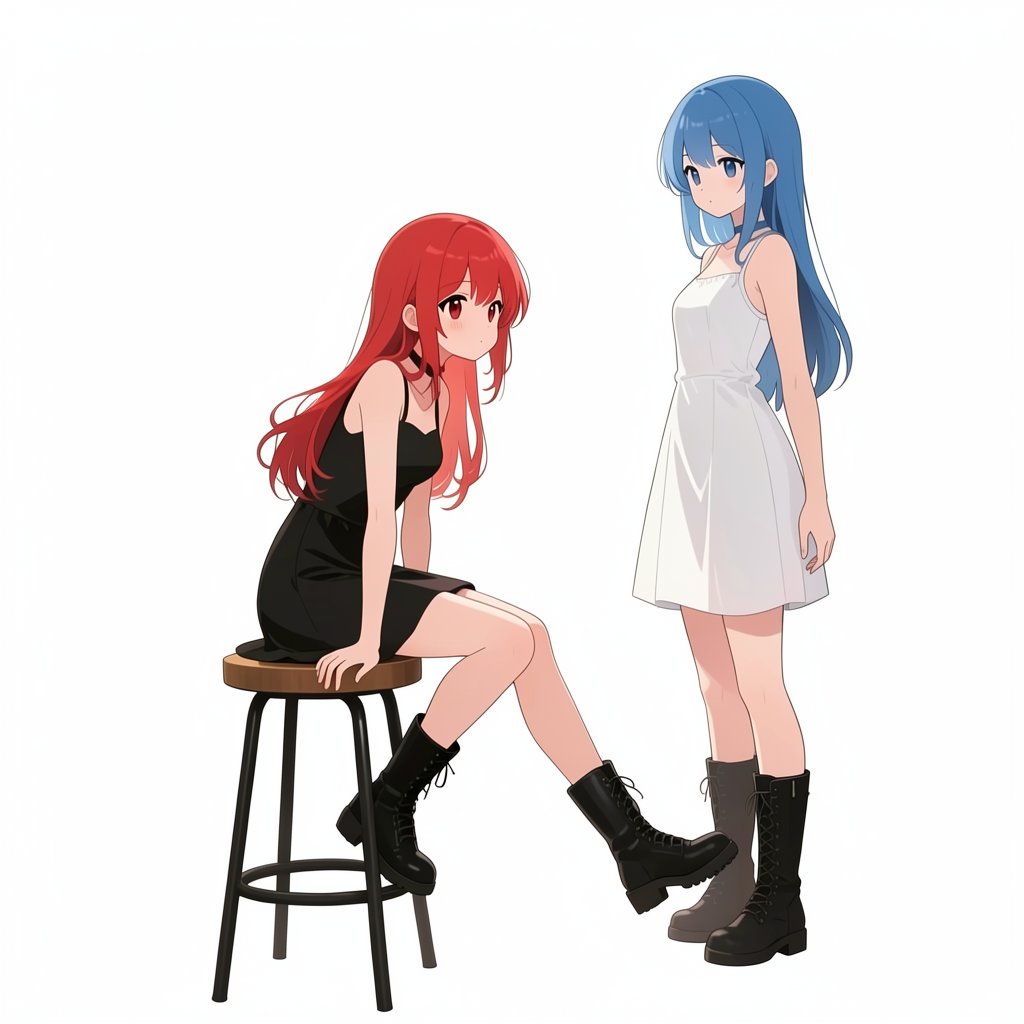
結果
Erase the background and fill it in with white.
人物除去
入力画像
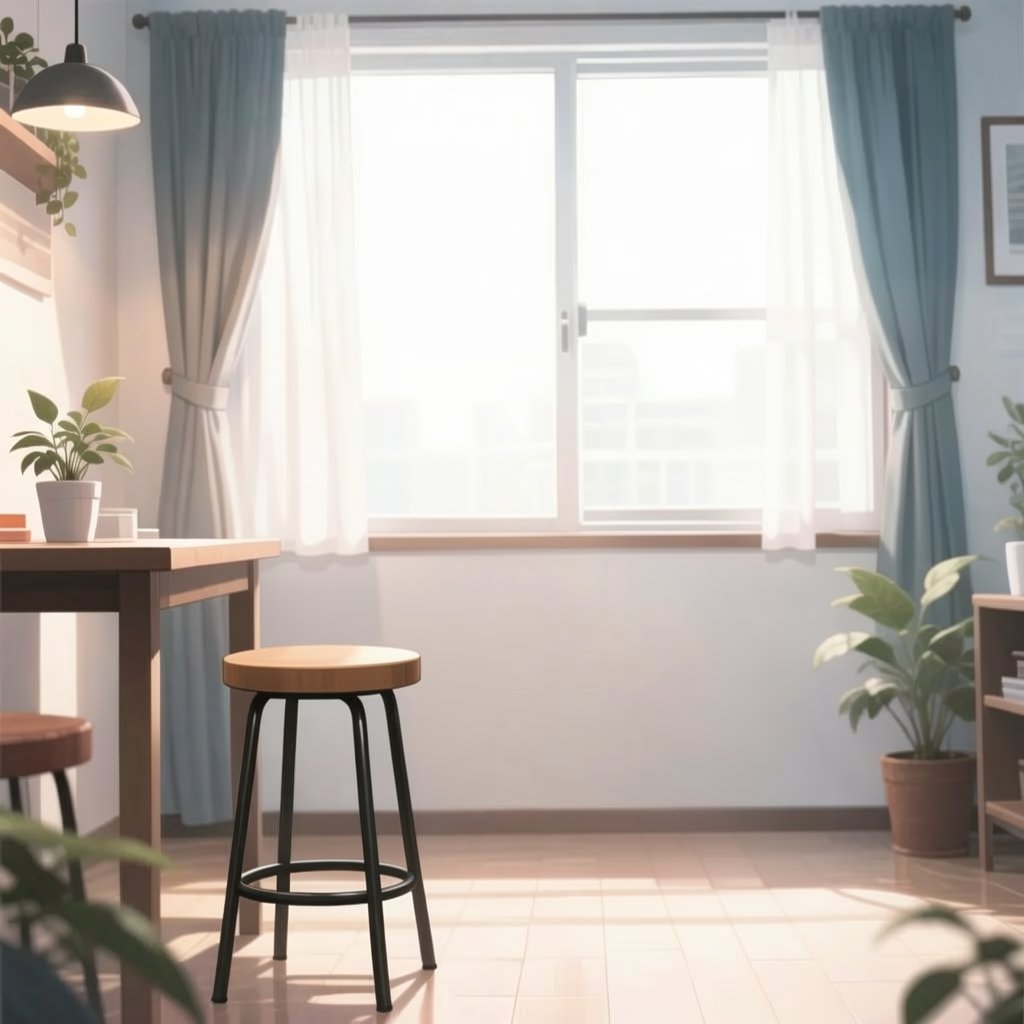
結果
Erase the persons and fill in the erased areas.
塗りつぶした領域の補間
名前が分からないものや、書き損じの文字、広い領域を描き変えるのに使える。ComfyUI は Load Image ノードを右クリックして Open in MaskEditor で簡易編集機能が使える。
描いてほしいものをプロンプトに入れるとより精度が上がる。
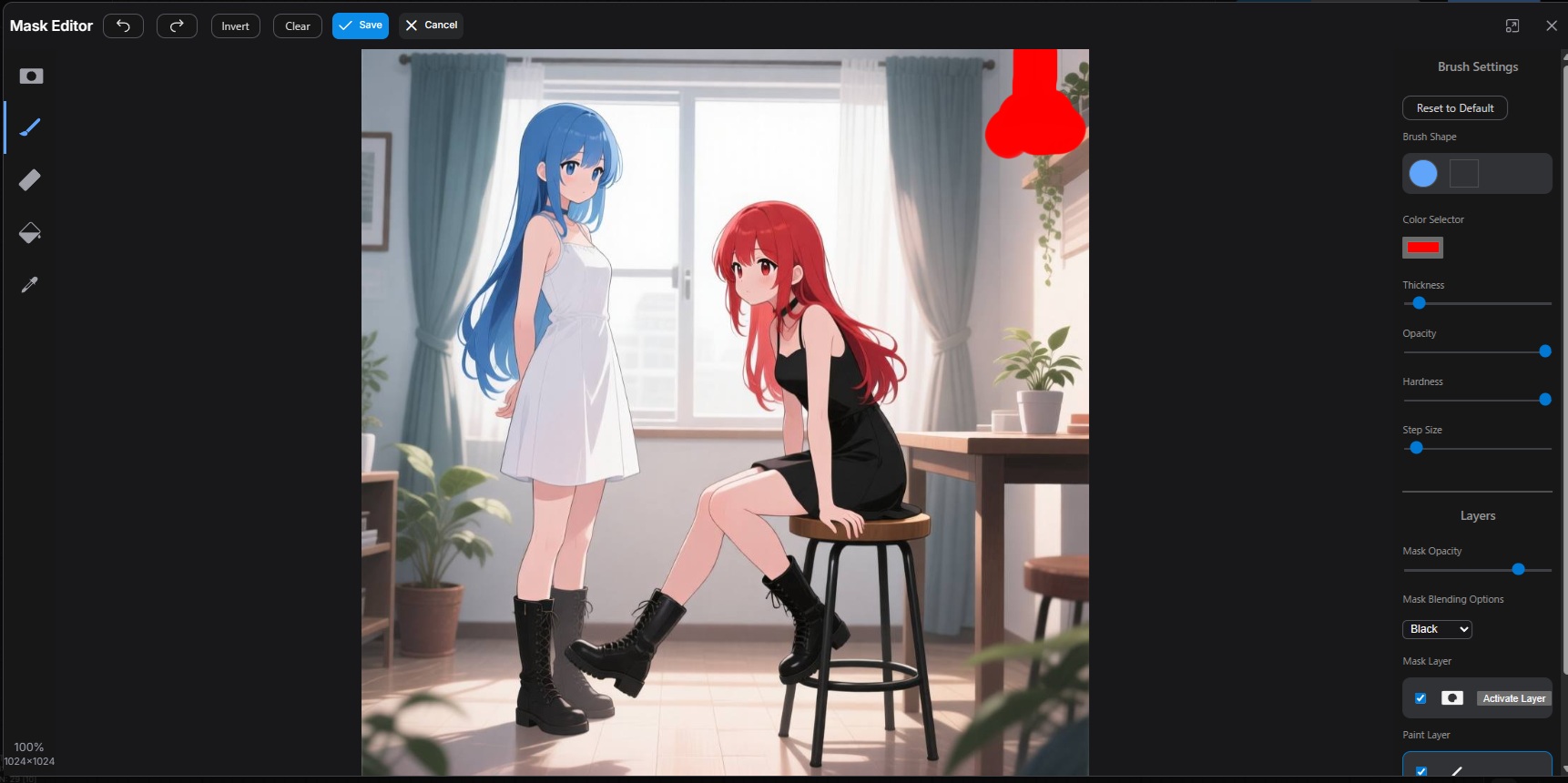
入力画像
マスク箇所には照明があった
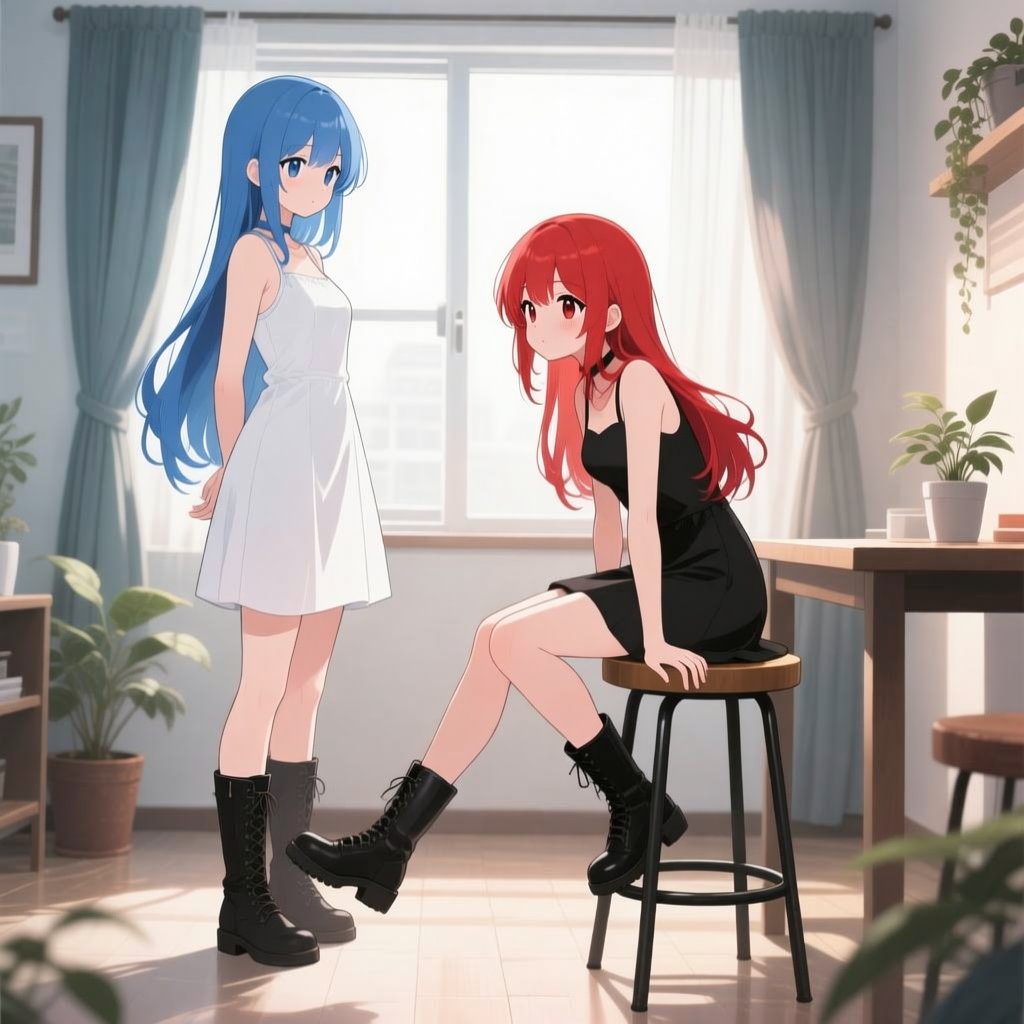
結果
Fill in the solid red area by guessing from the surrounding area.
オブジェクト抜き出し
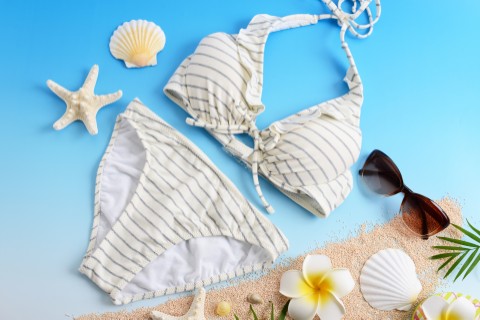
image 1
出典:https://www.photo-ac.com/main/detail/22009553/1
著作者:Beruta
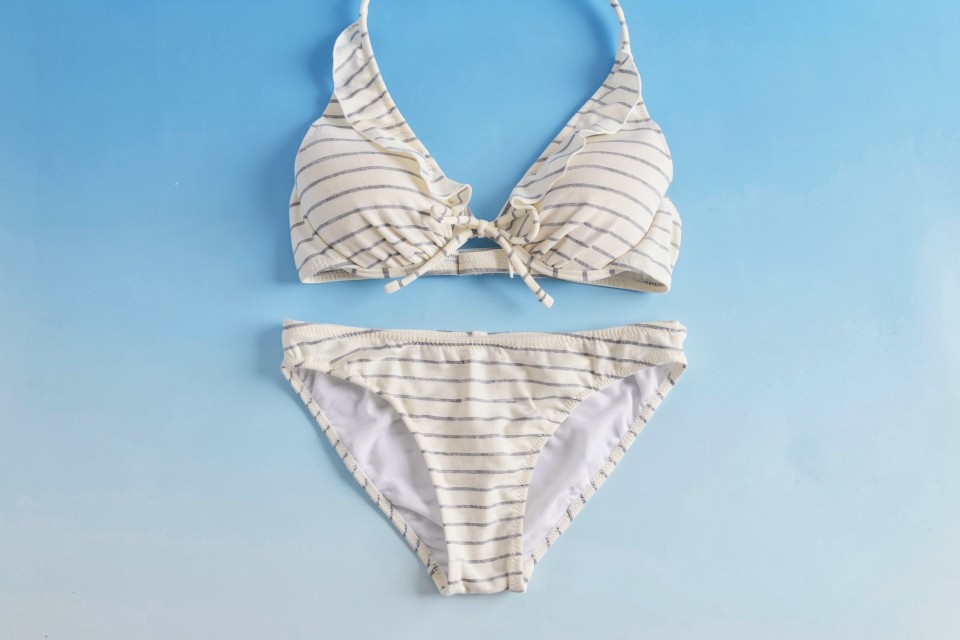
結果
Extract only the bikini.
服変更
image 1
image 2
画像を改変している
出典:https://www.photo-ac.com/main/detail/22009553/1
著作者:Beruta
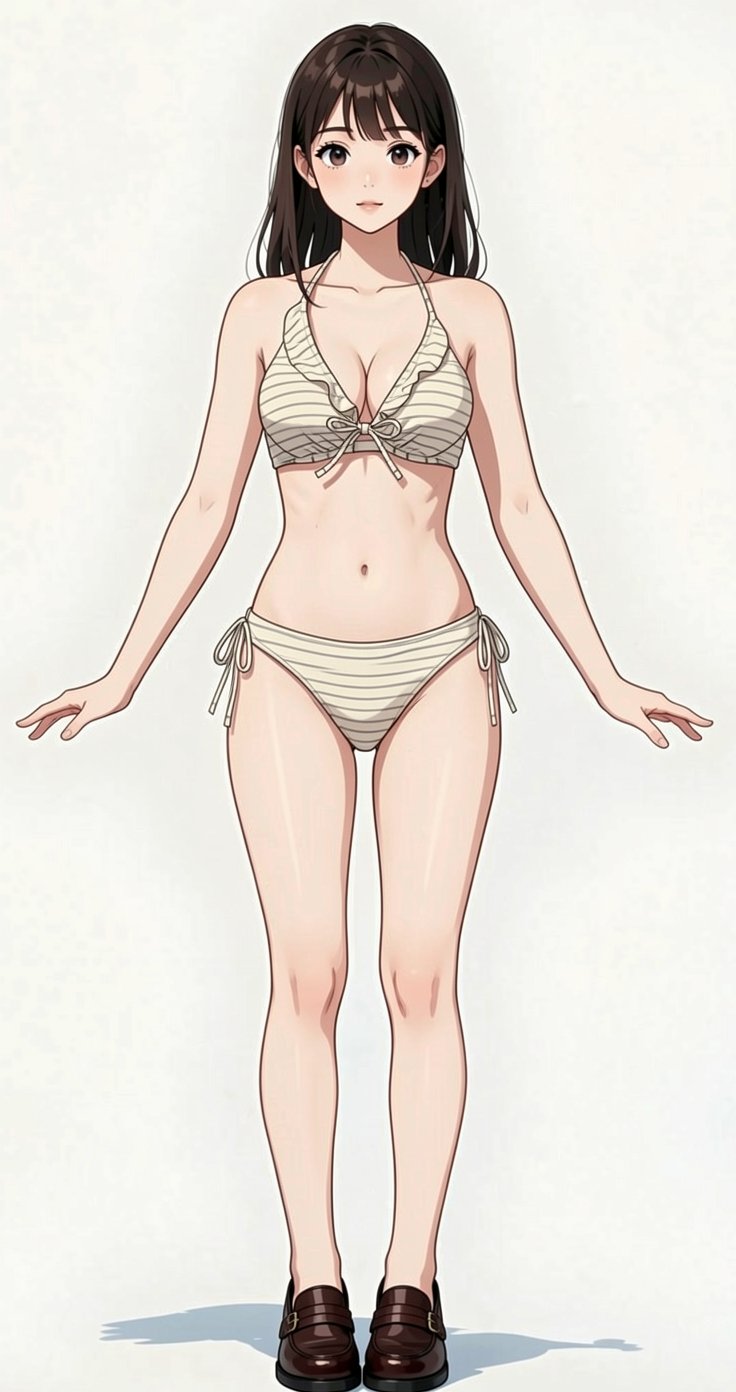
結果
A woman in image 1 is wearing a bikini in image 2. Keep her pose.
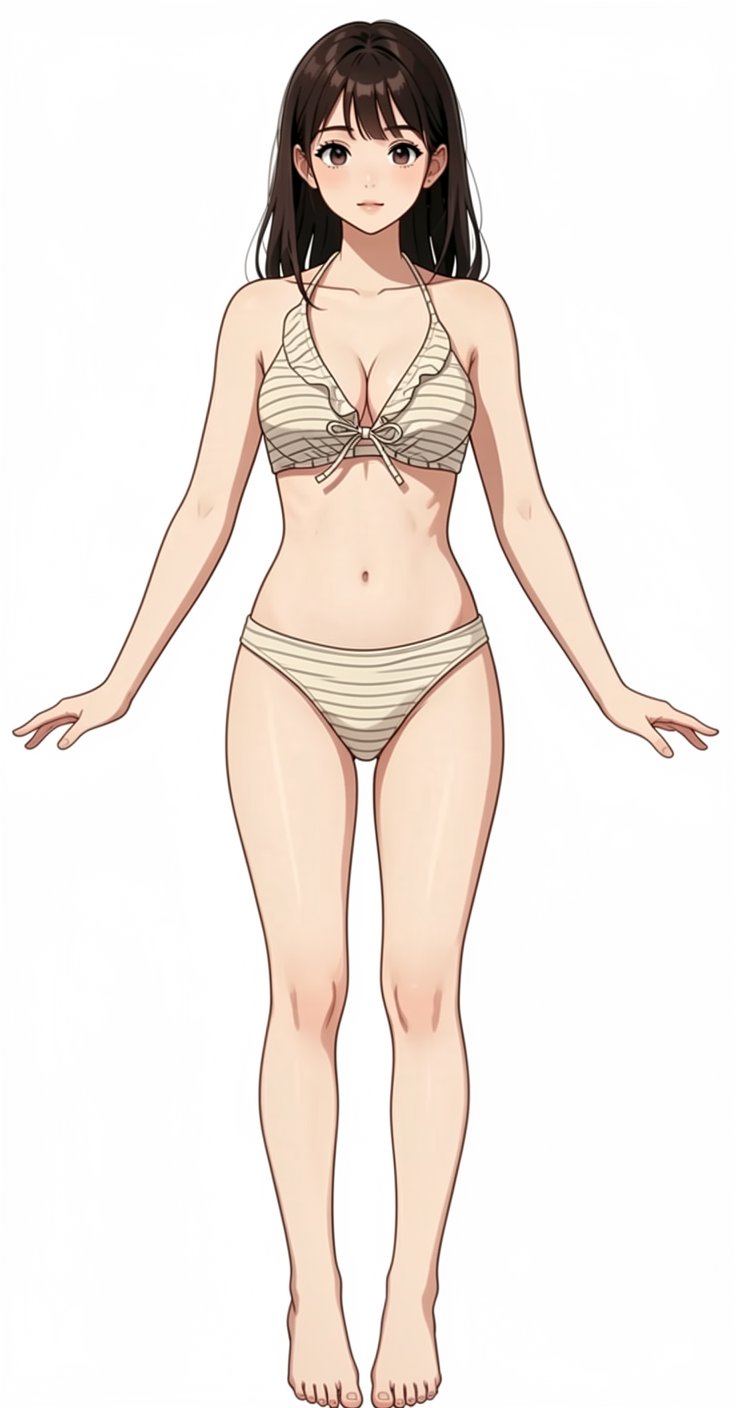
結果
Remove her side strings of bikini bottom and her shoes.

Fill the background in with pure white.
セグメンテーション
セグメンテーションは SAM3・PozzettiAndrea/ComfyUI-SAM3 を使った方が高性能。
FLUX.2 でのやり方はセグメンテーションしたい部分の色を変えて、減算する。減算は Photoshop などを使うか、ImageBlendノードの blend_mode: difference でもできる。
入力画像
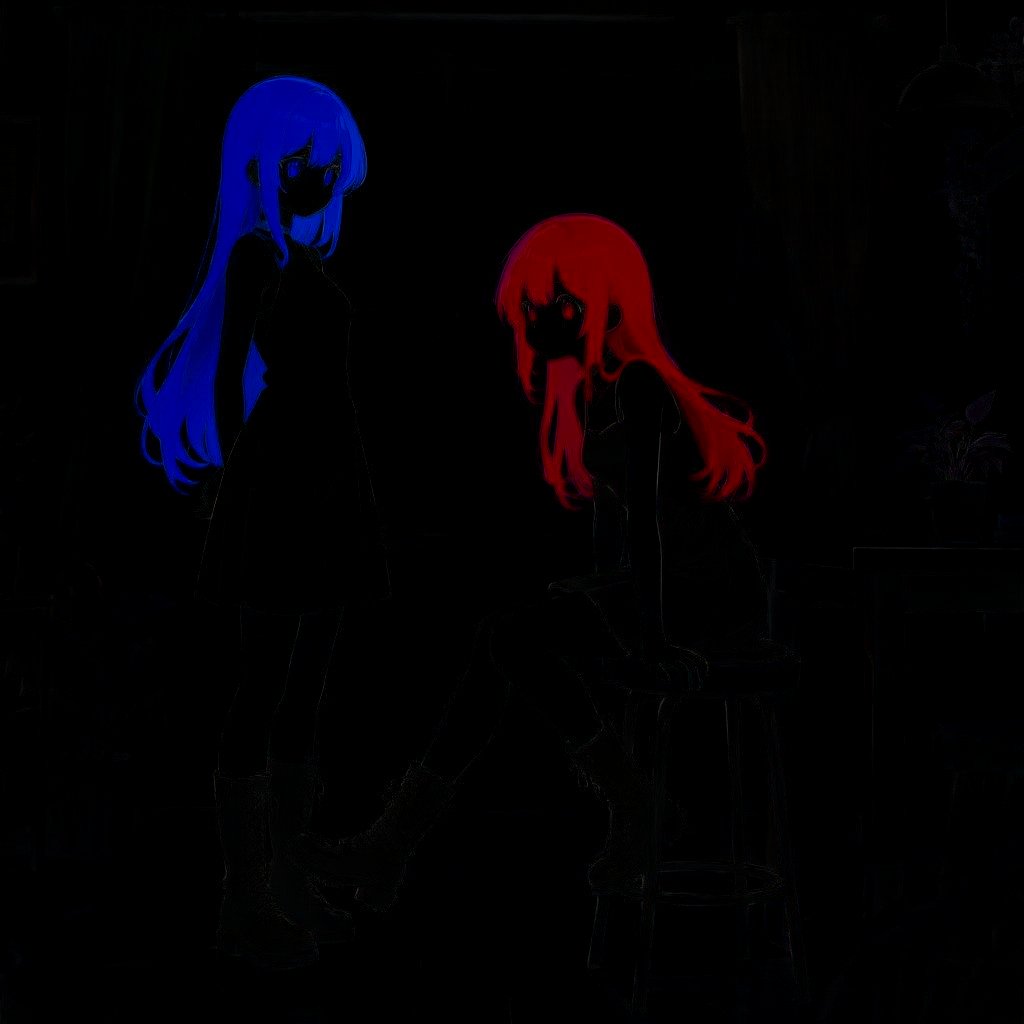
1~2ピクセルずれるのが欠点。dev だとほとんどずれない
Change hair color to flat green.
背景修正
人物を変えずに背景を修正させることも可能だが、人物を除去してからの方が成功率が高い。手順は:
- 人物除去
- 背景修正
- 元の画像と修正背景とを合成
image 1
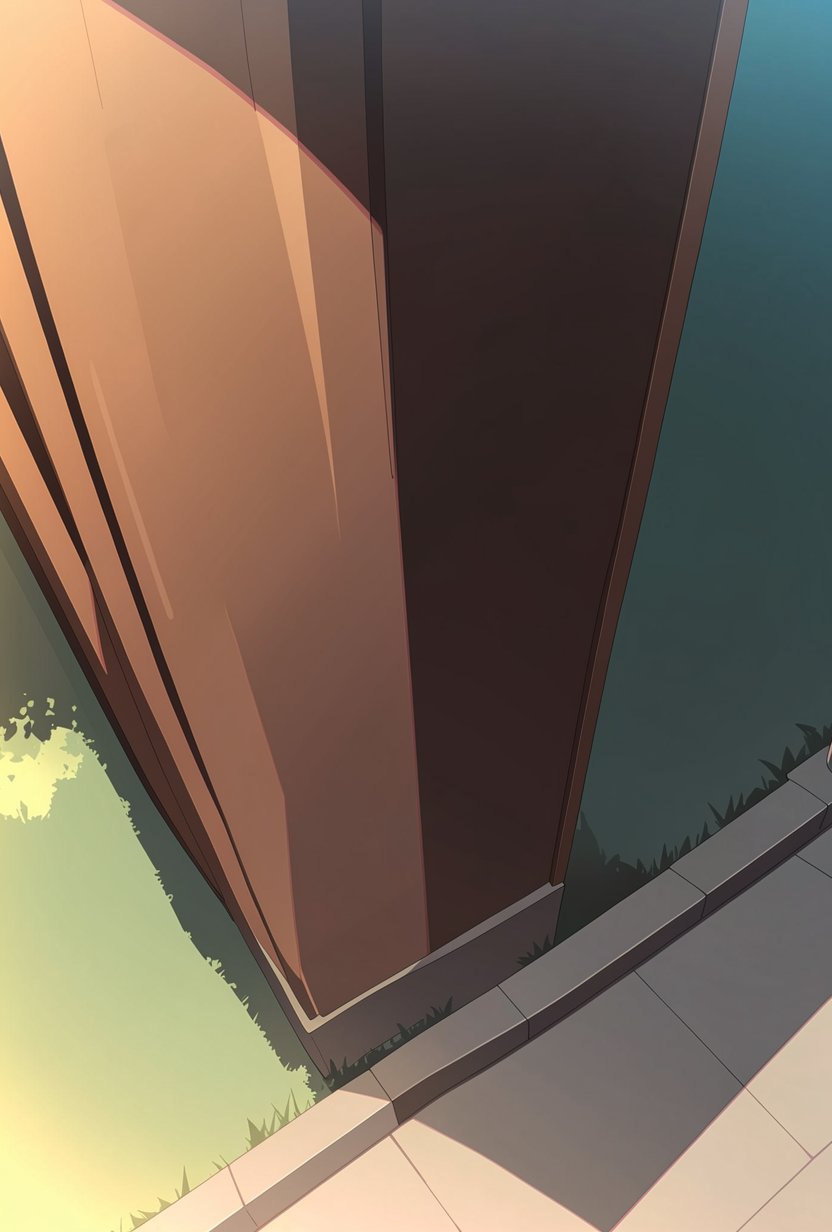
次の image 1
Erase the persons and fill in the erased areas.
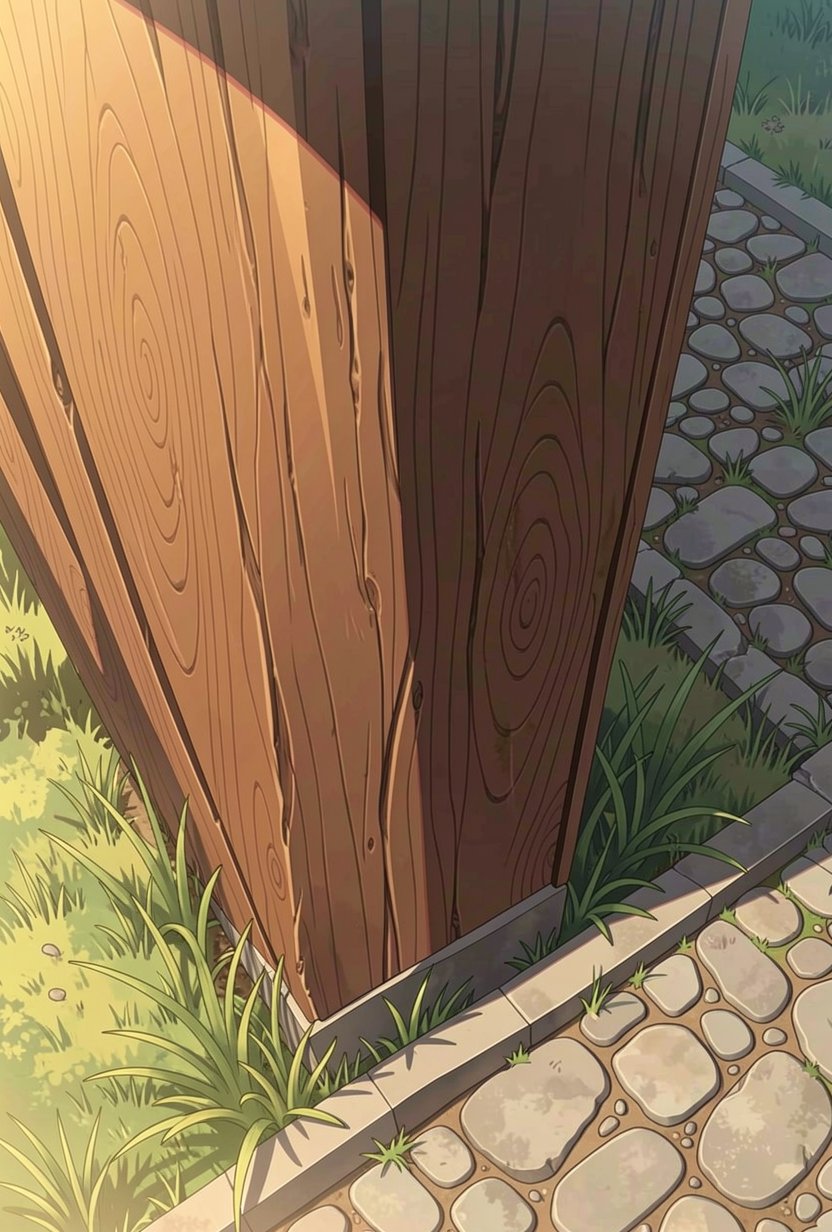
結果
There is a large wooden pillar with natural wood grain and grass and stone road.

Keep the original style.
image 1
image 2
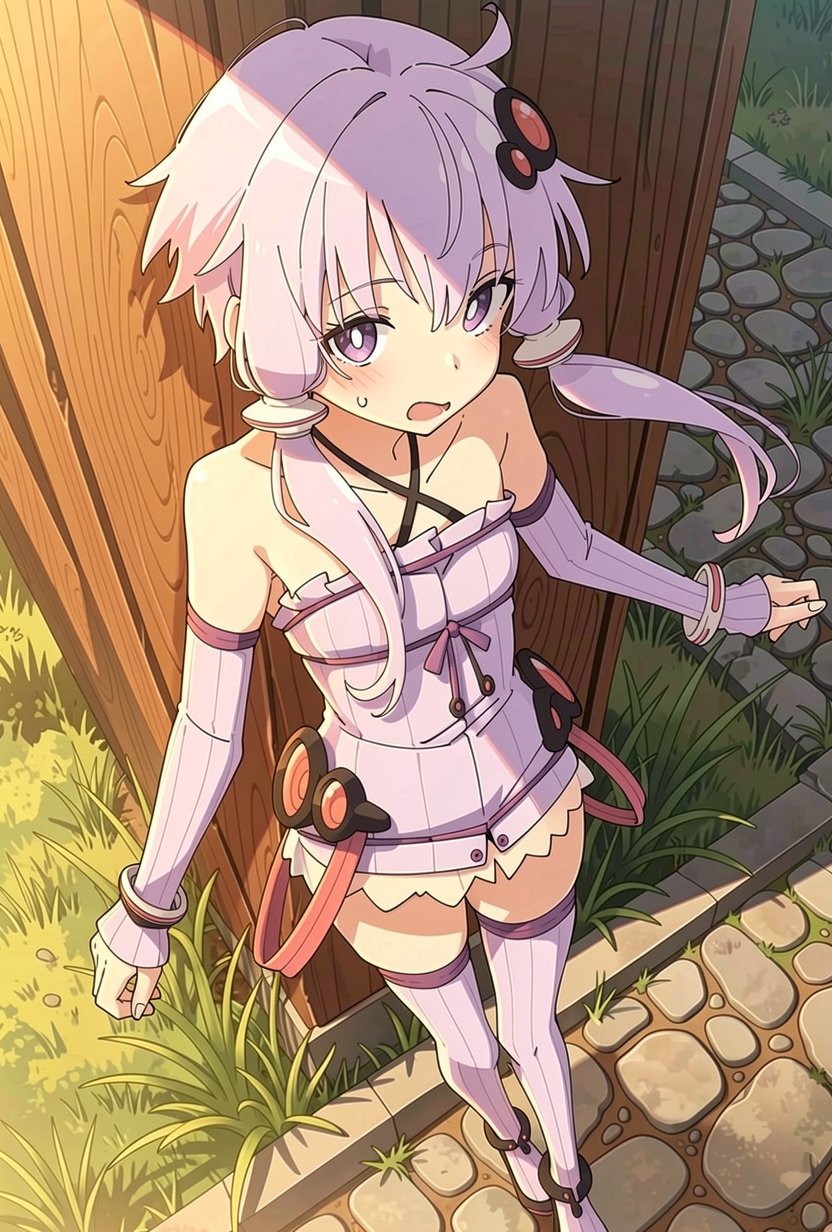
結果
Copy pixel by pixel the person in the image 1 to image 2.
image 1
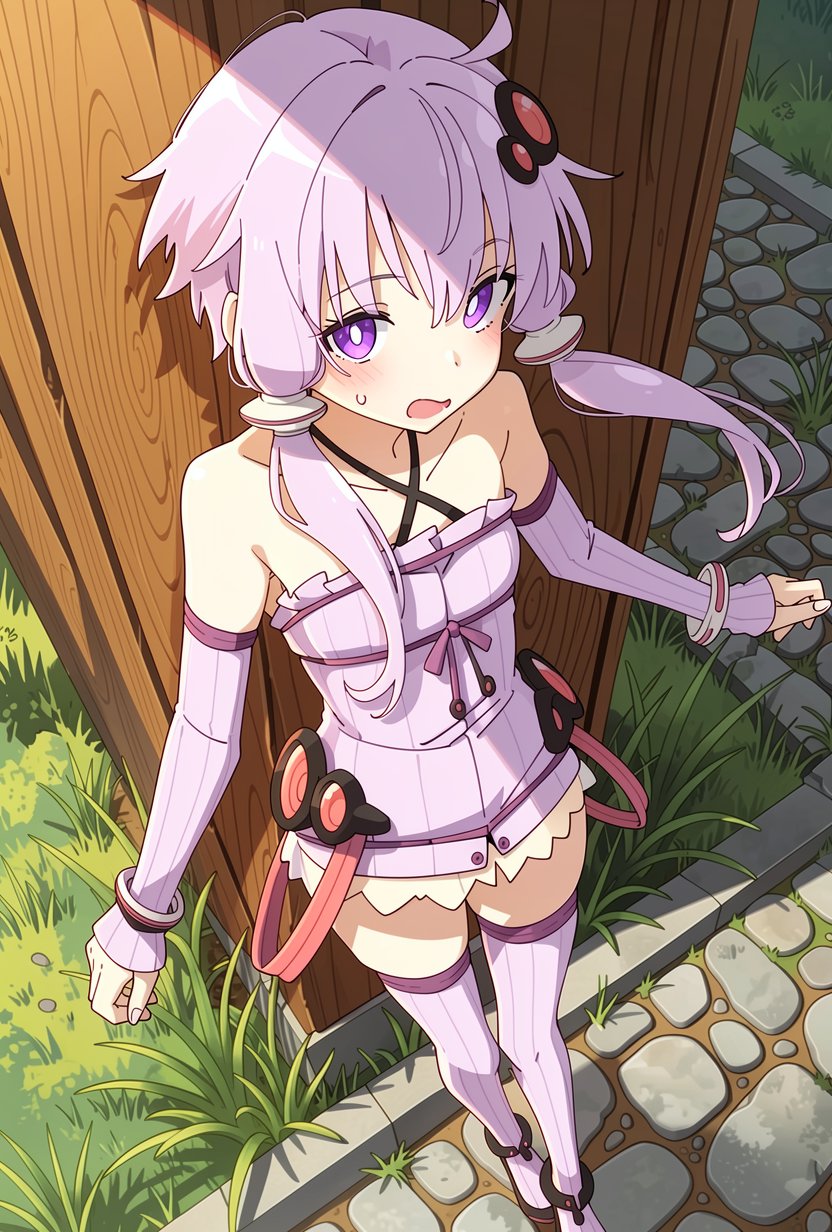
結果
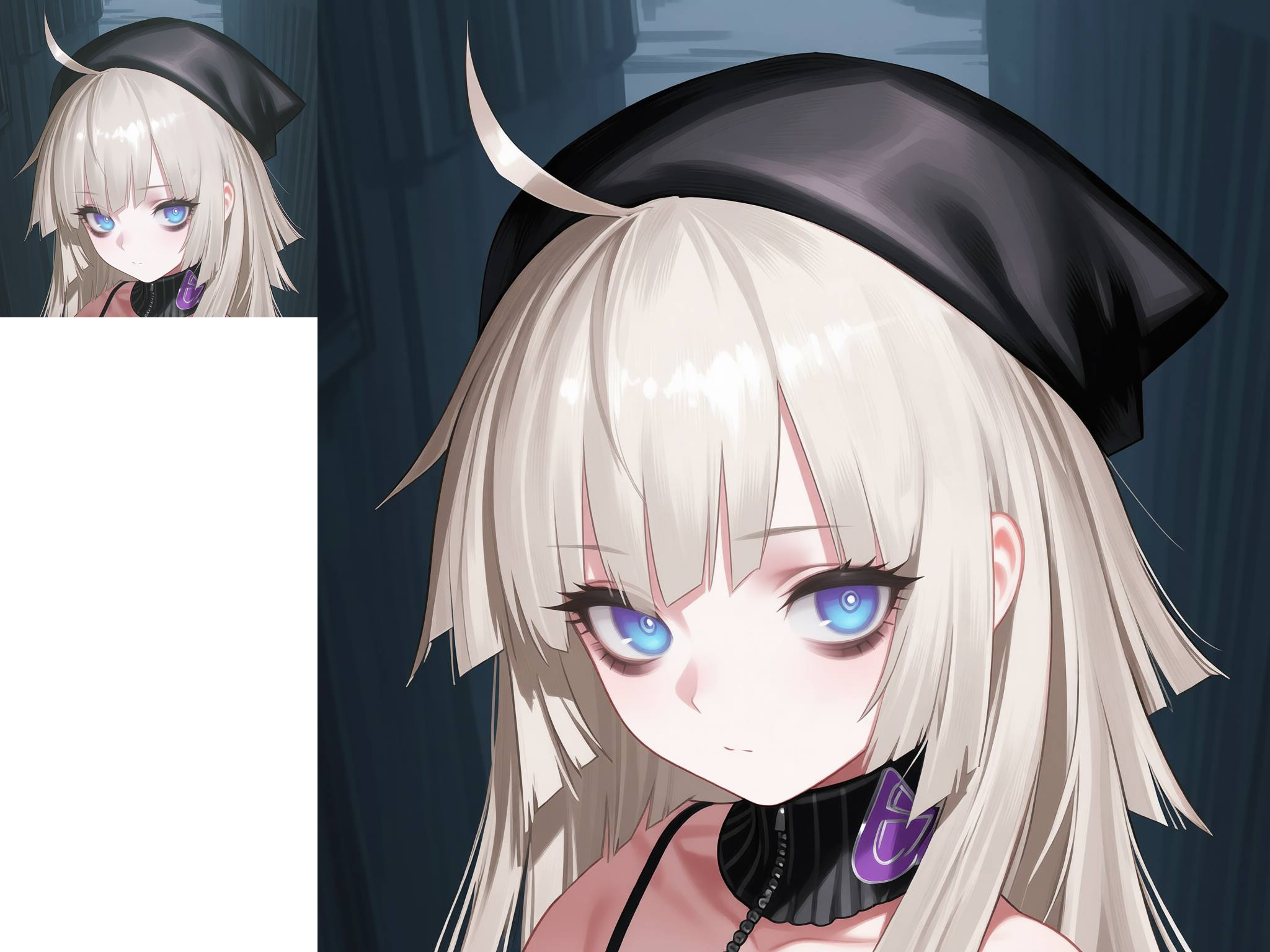
Change the white balance to natural. Keep the line style. Her eye color is purple.
キャラシート作成
一度に4面作成するのではなく、3回(左右背面)に分けて実行すると品質が高い。
入力画像
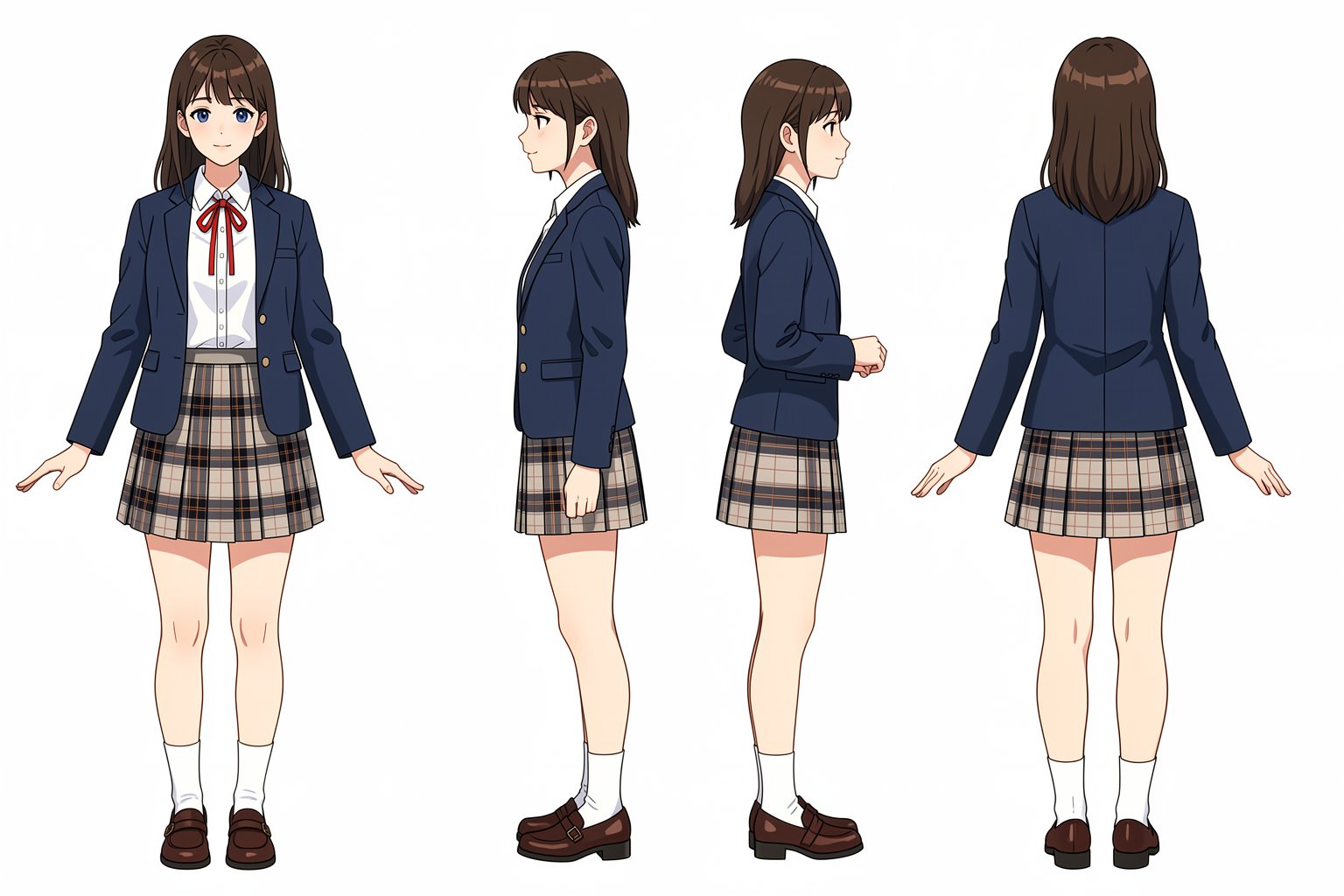
顔や色が変わるのが欠点
Create her reference sheet on a pure white background. Draw following four different angles:
- front view on the far left
- left view that facing to the left with her entire body on the middle left
- right view that facing to the right with her entire body on the middle right
- back view on the far right
表情リスト作成
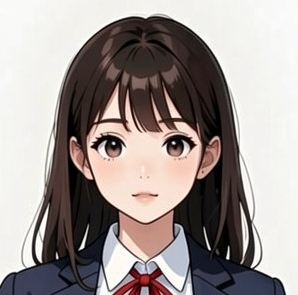
image 1
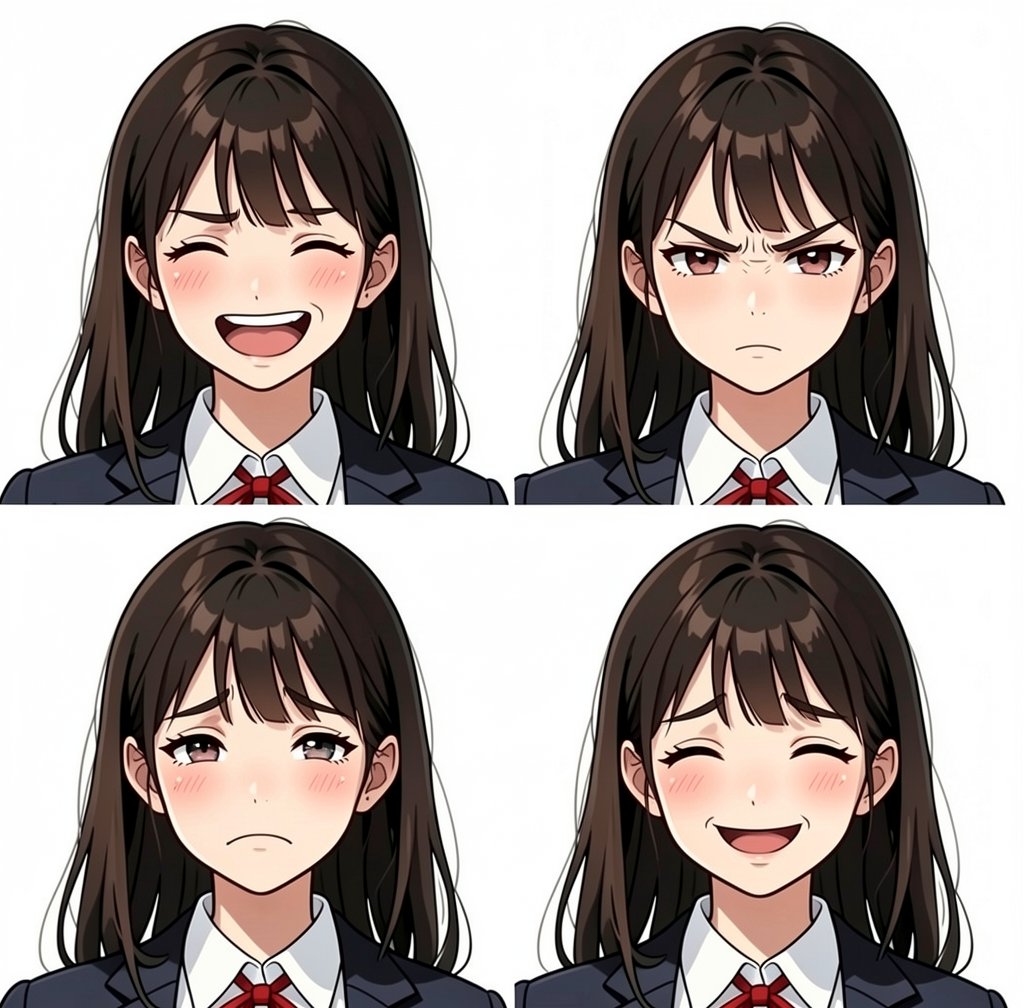
結果
A four facial expressions sheet, joy, anger, sadness, happiness.
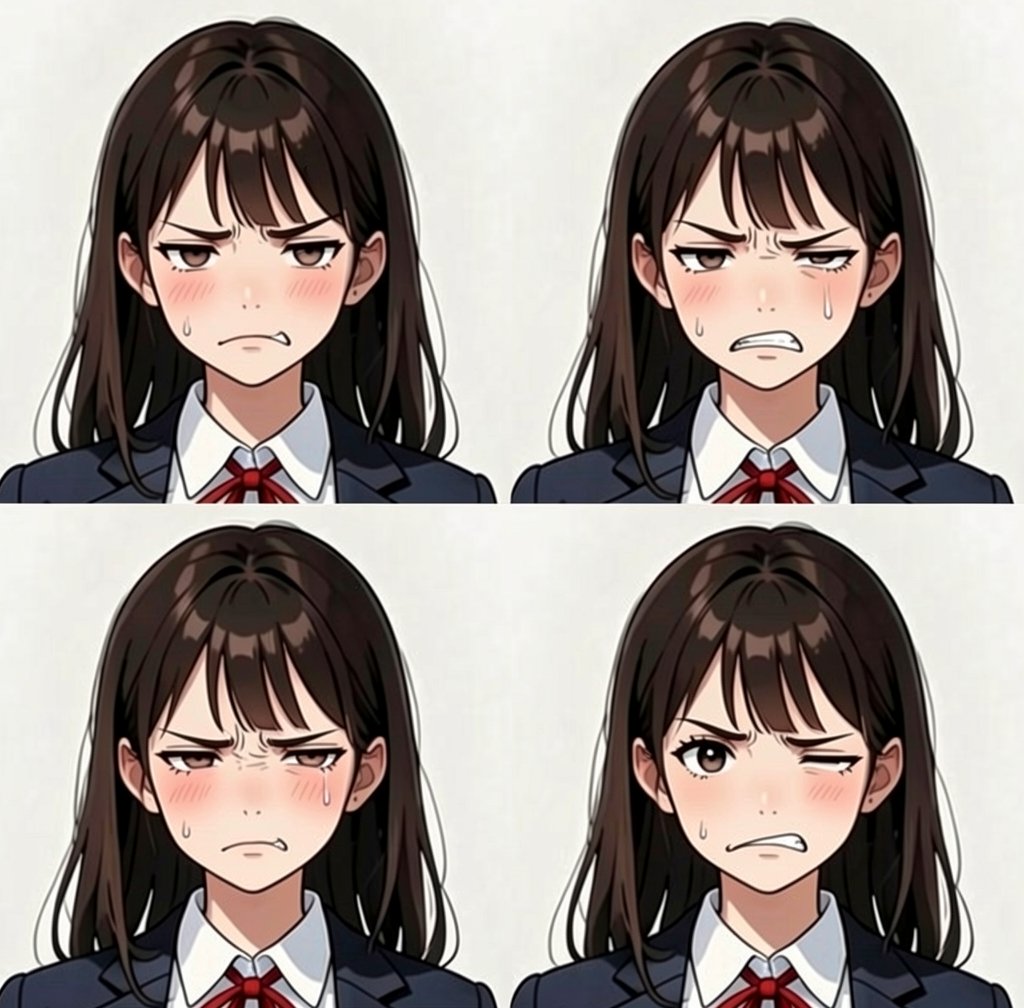
結果
A four variations of discontent facial expression.
日本語レンダリング
dskjal/comfyui-text-renderer でテキストを画像としてレンダリングし、入力している。画像の解像度が大きいとコピペに失敗する。画像生成と文字のコピペを同時にやると失敗する確率が高いので、空の吹き出しで画像を生成して、後から吹き出し内にテキスト画像をコピーすると成功率が高い。しかし、そこまでするならクリスタで写植した方が高品質だし早い。
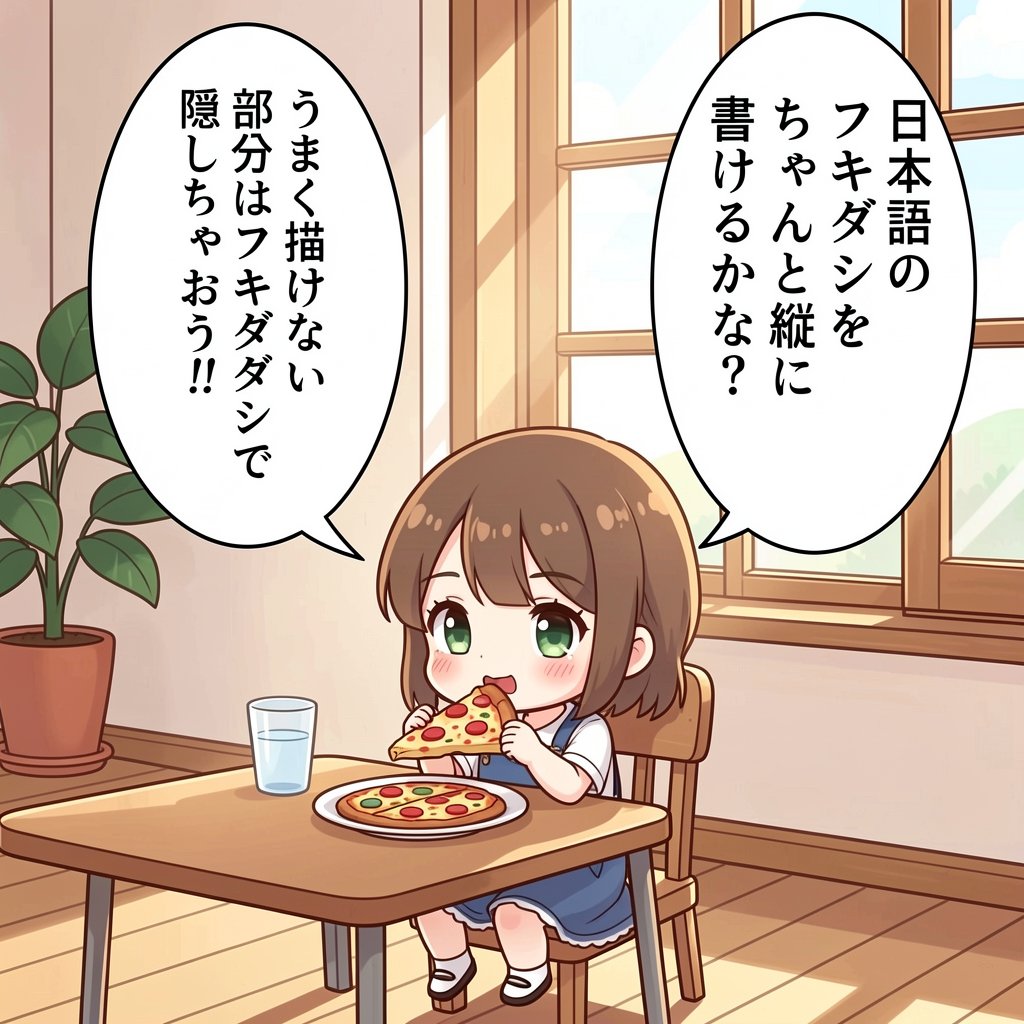
8 steps
The color illustration of a chibi girl sitting in a chair eating a piece of pizza.

There is a table and a window in the indoor room.

# speech bubbles

There are two speech bubbles in vertical writing.

Copy the text from image 1 and paste it into the speech bubbles.

# background

There is a potted plant, a window, a table, a glass of water on the table and a chair.
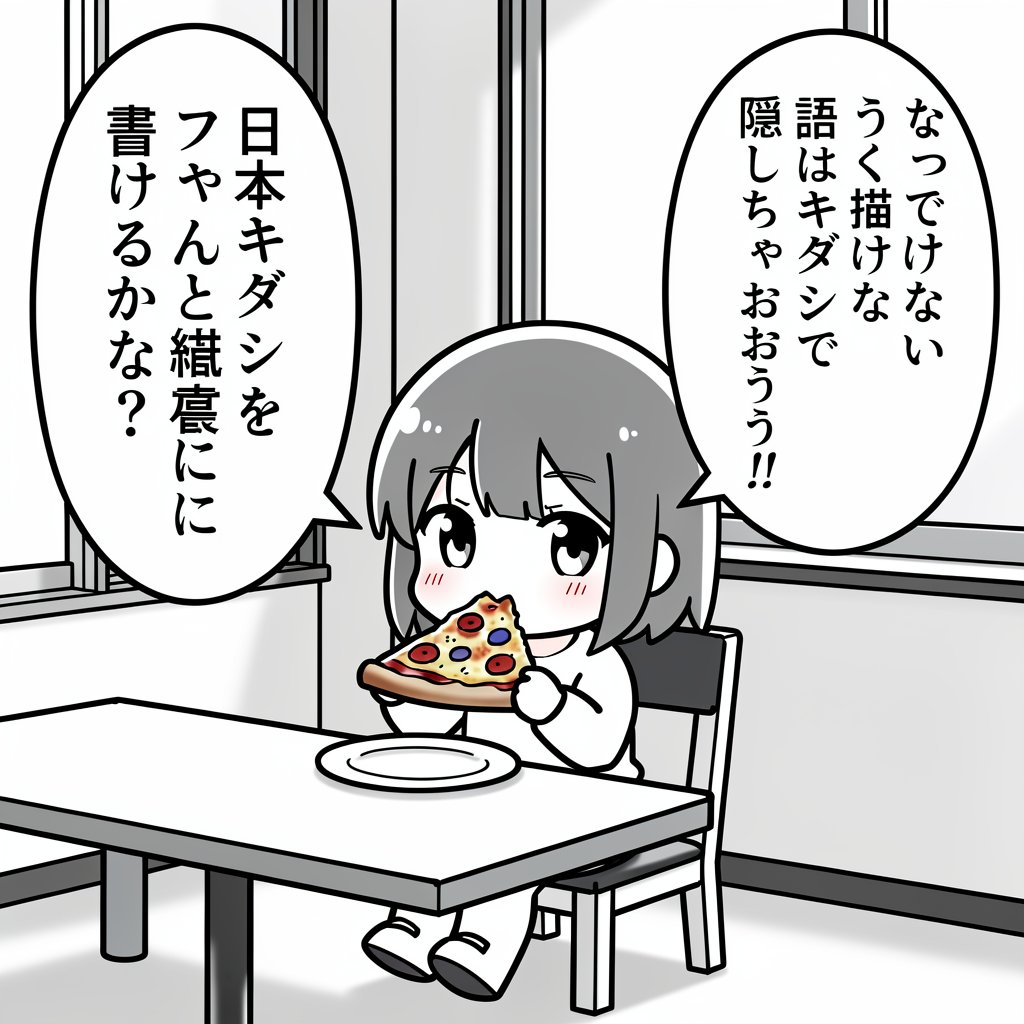
グレースケールを指示したわけではないが、黒白の台詞画像を入力したのでグレースケールになった
台詞の内容を指示すると確実に失敗する。
The illustration of a chibi girl sitting in a chair eating a piece of pizza.

There is a table and a window in the indoor room.

# speech bubbles

There are two speech bubbles in vertical writing:

- "日本語の
フキダシを
ちゃんと縦に
書けるかな?"
- "うまく描けない
部分はフキダシで
隠しちゃおう!!"
アウトペインティング
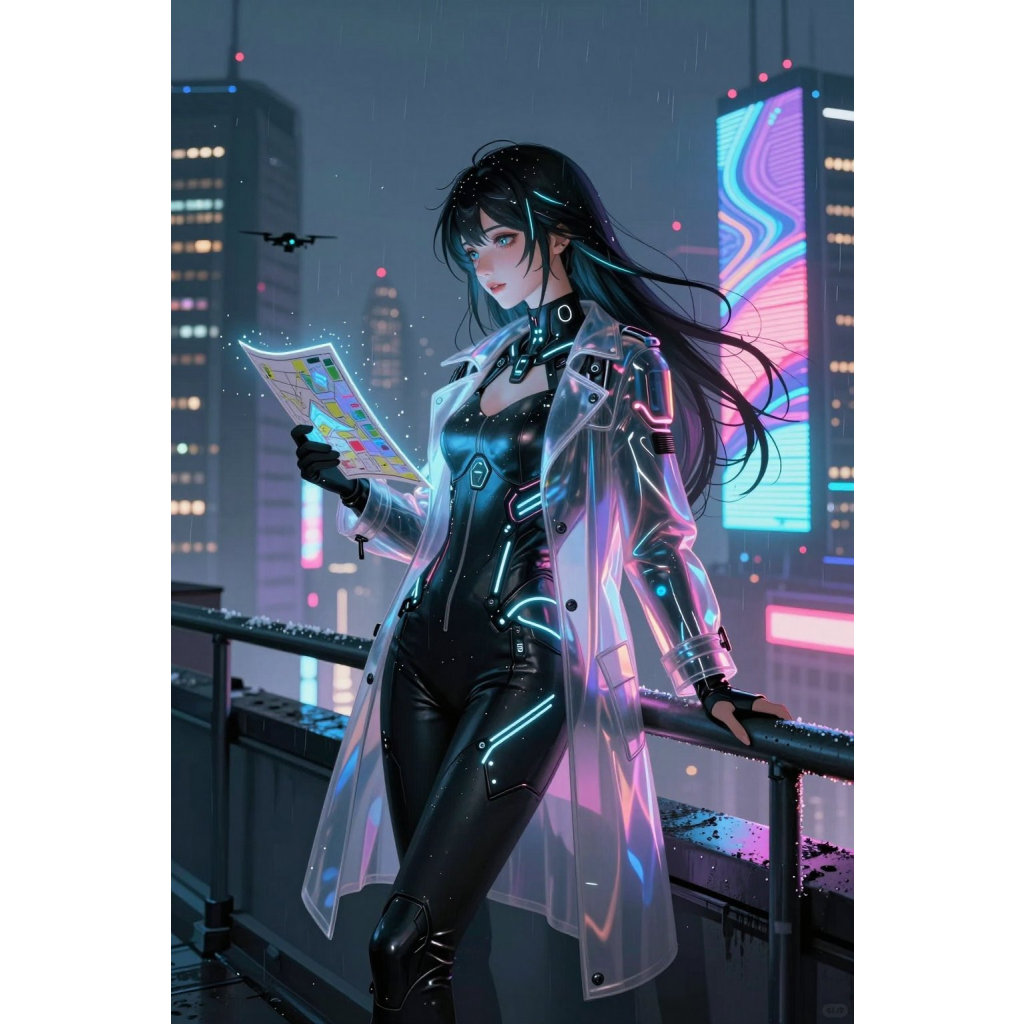
image 1
左右に白の余白を追加している
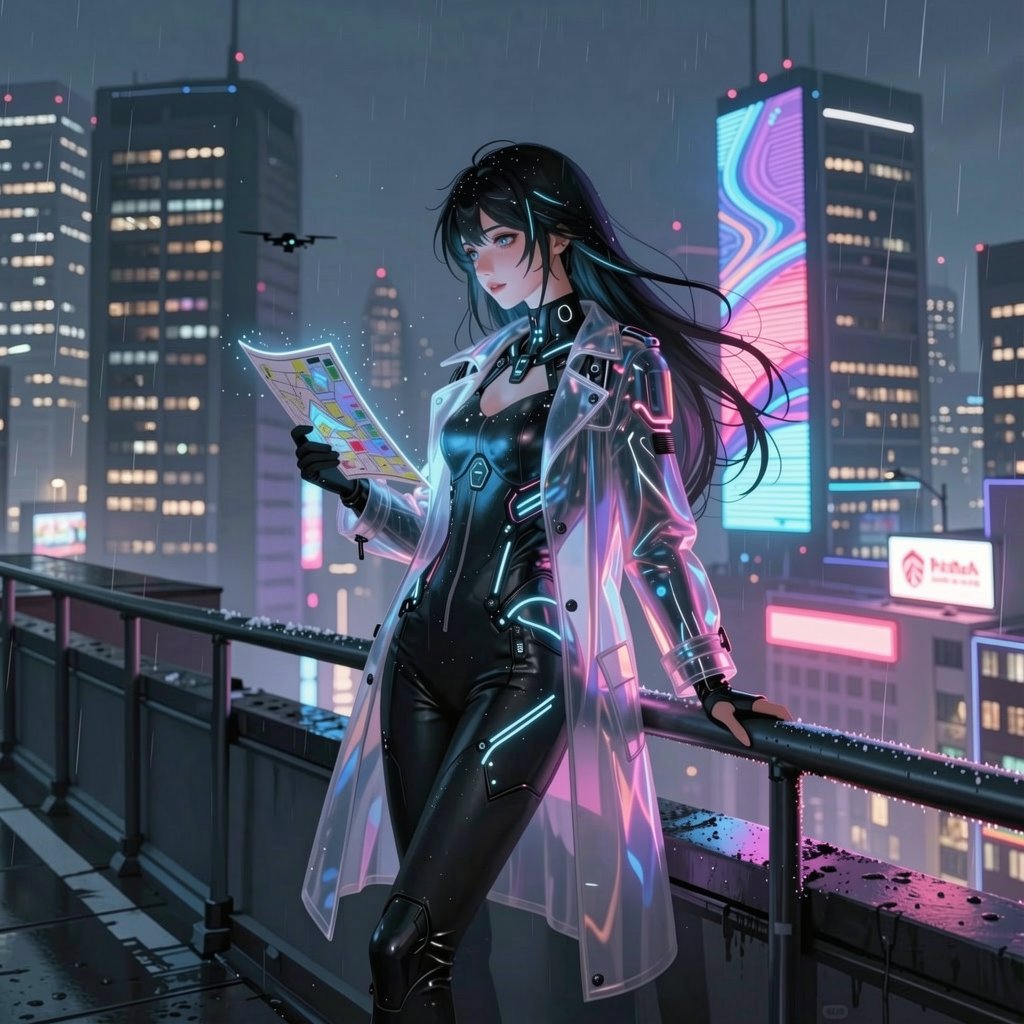
結果
Outpaint the image. Remove the white rectangles.
もしくは
Fill in the white space to complete this image.
線画抽出
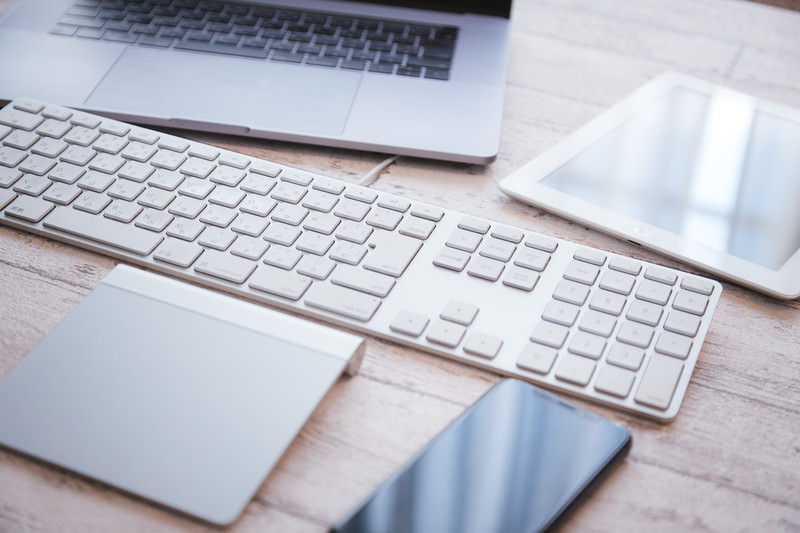
出典:https://www.pakutaso.com/20180234040pc-30.html 著作者:ぱくたそ
実際に入力したのは L サイズを2MP に縮小したもの
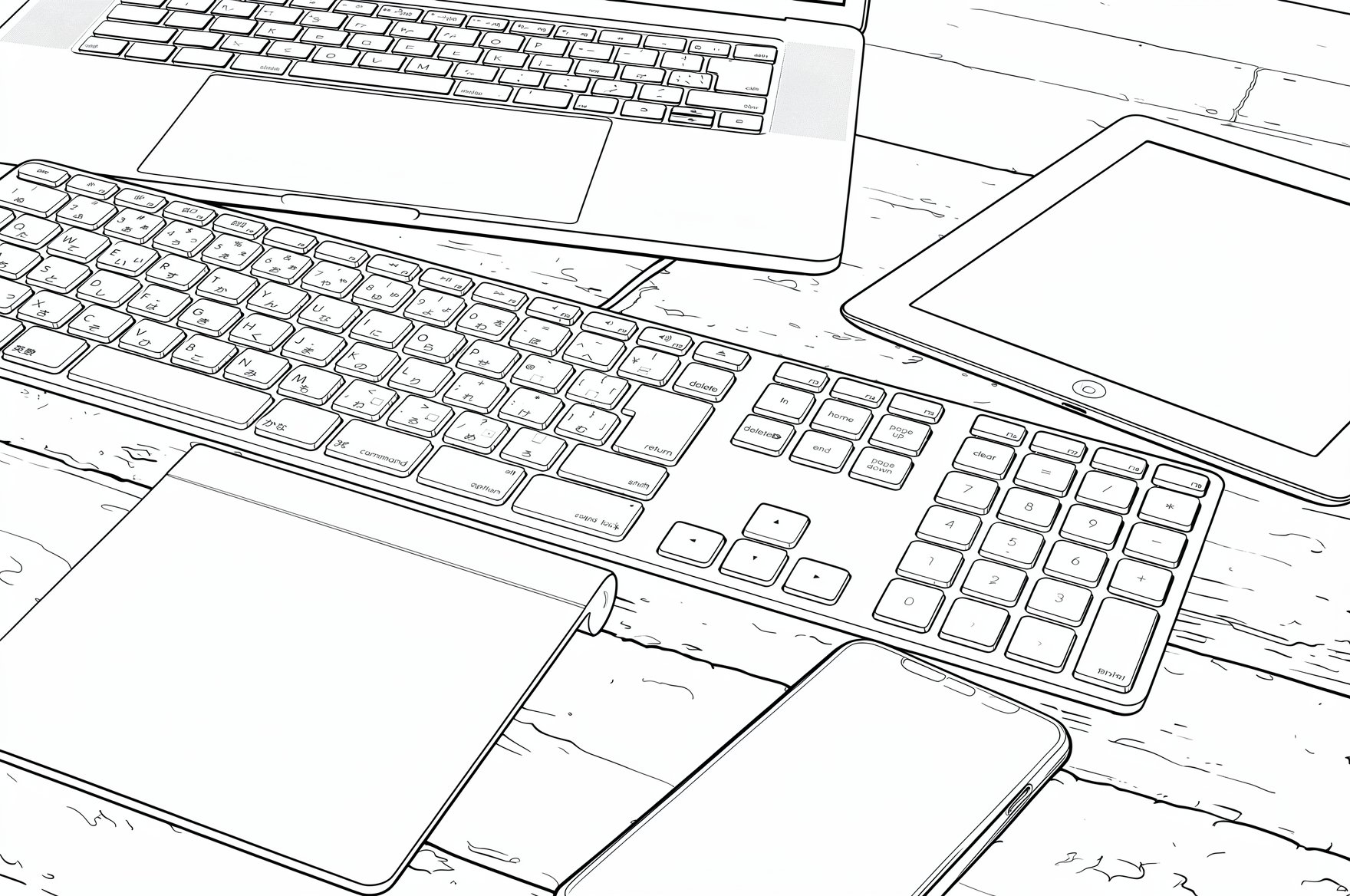
結果
Restyle image to Line Art.
線画着色
写真の修復は Flux 2 klein 4b distilled vs 9b distilled (photo restoration) を参照。
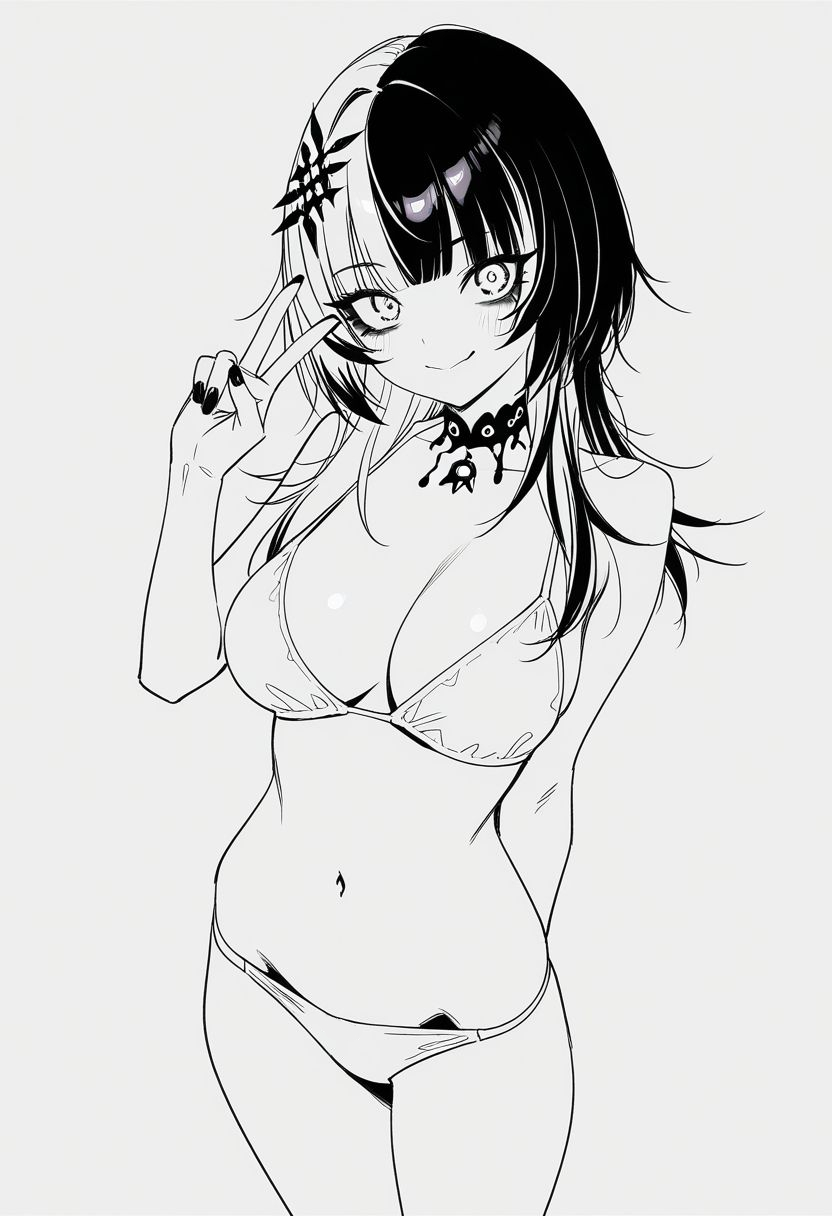
入力画像
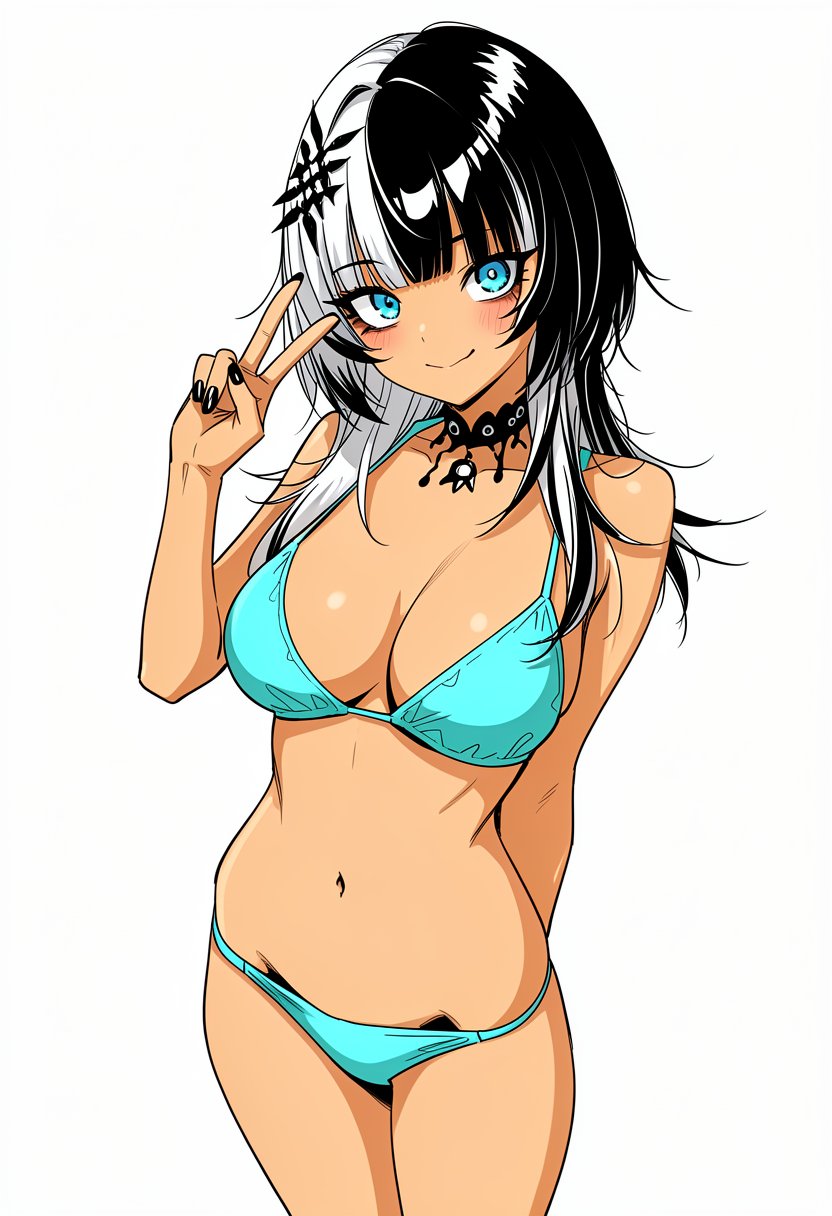
結果
左目の横の髪を塗ミスしているのと、髪に余計なハイライトが追加されている
FLUX.2 は HEX コードで色を指定できるし参考色を画像で指示できるが、klein では全然効かない。
線画を維持したままの着色がローカルでできるようになったのは進歩を感じる。
Coloring the image 1. *Keep the input lines and black tone*. Use sharp lines.

The base color of her bikini is hex #A3D6E9. Her hair is black and white.

The base color of her skin is hex #FDE7DA.
トーン化
出典:https://www.pakutaso.com/20180234040pc-30.html 著作者:ぱくたそ
実際に入力したのは L サイズを2MP に縮小したもの
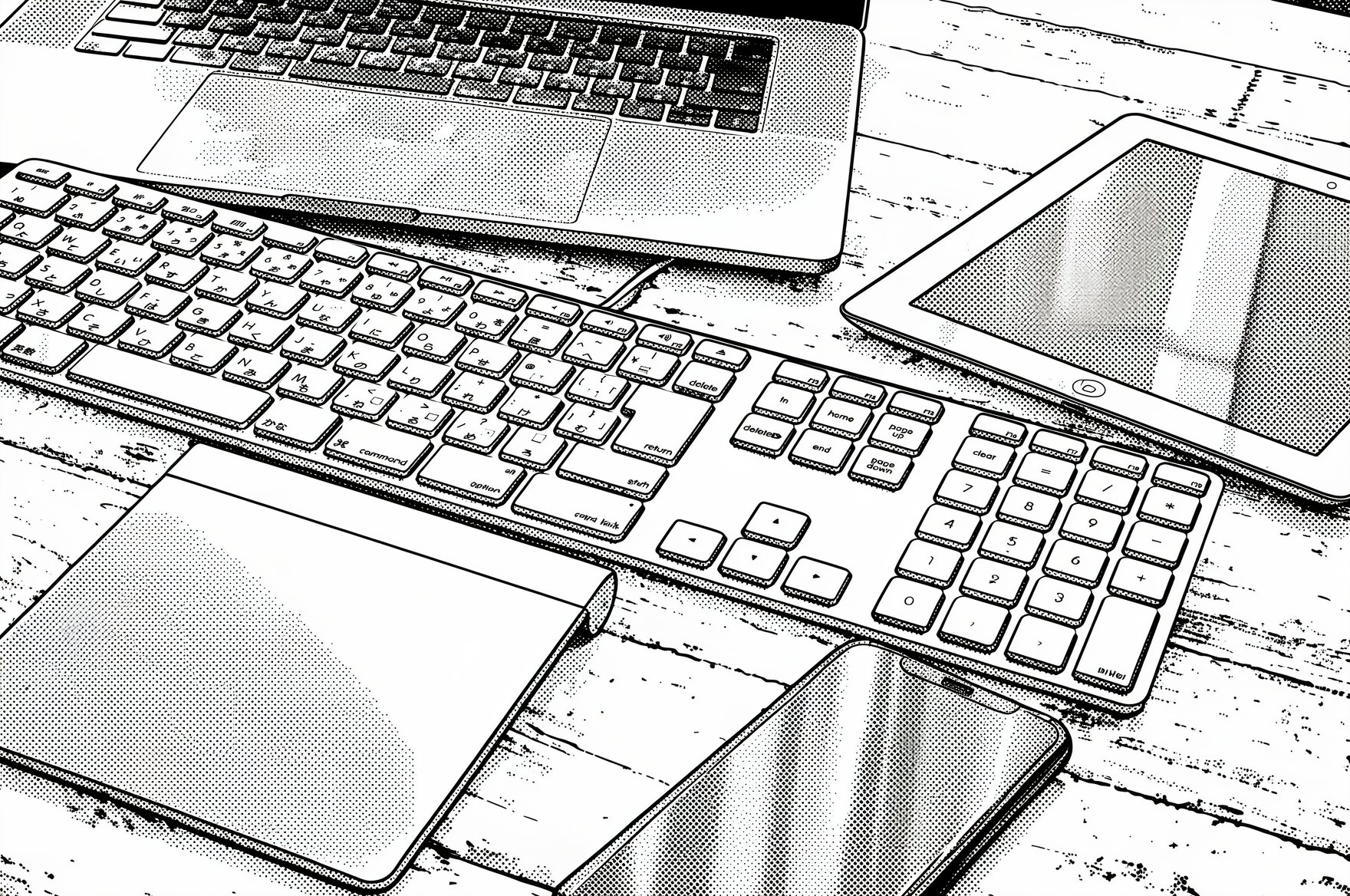
結果
Restyle image to Line Art and halftone.
棒人間でポーズ・構図指定
image 1
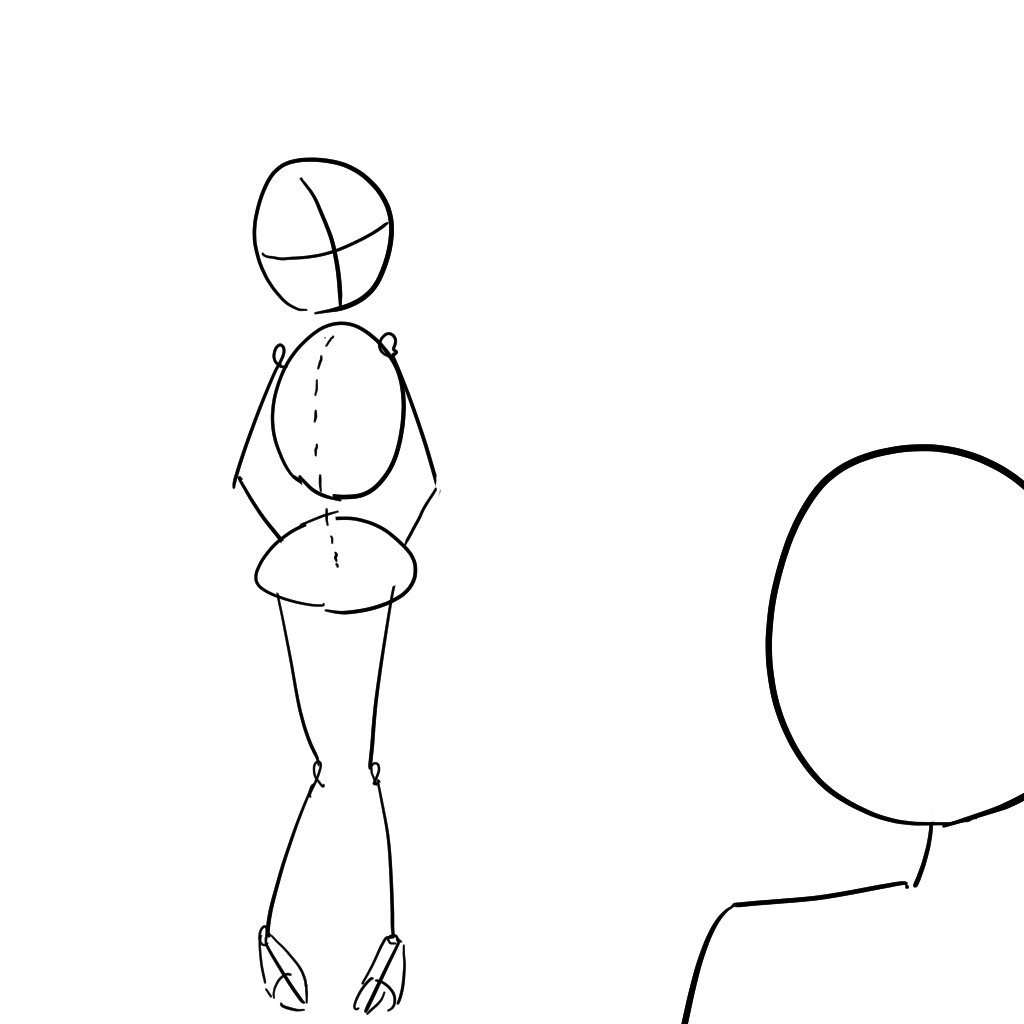
image 2
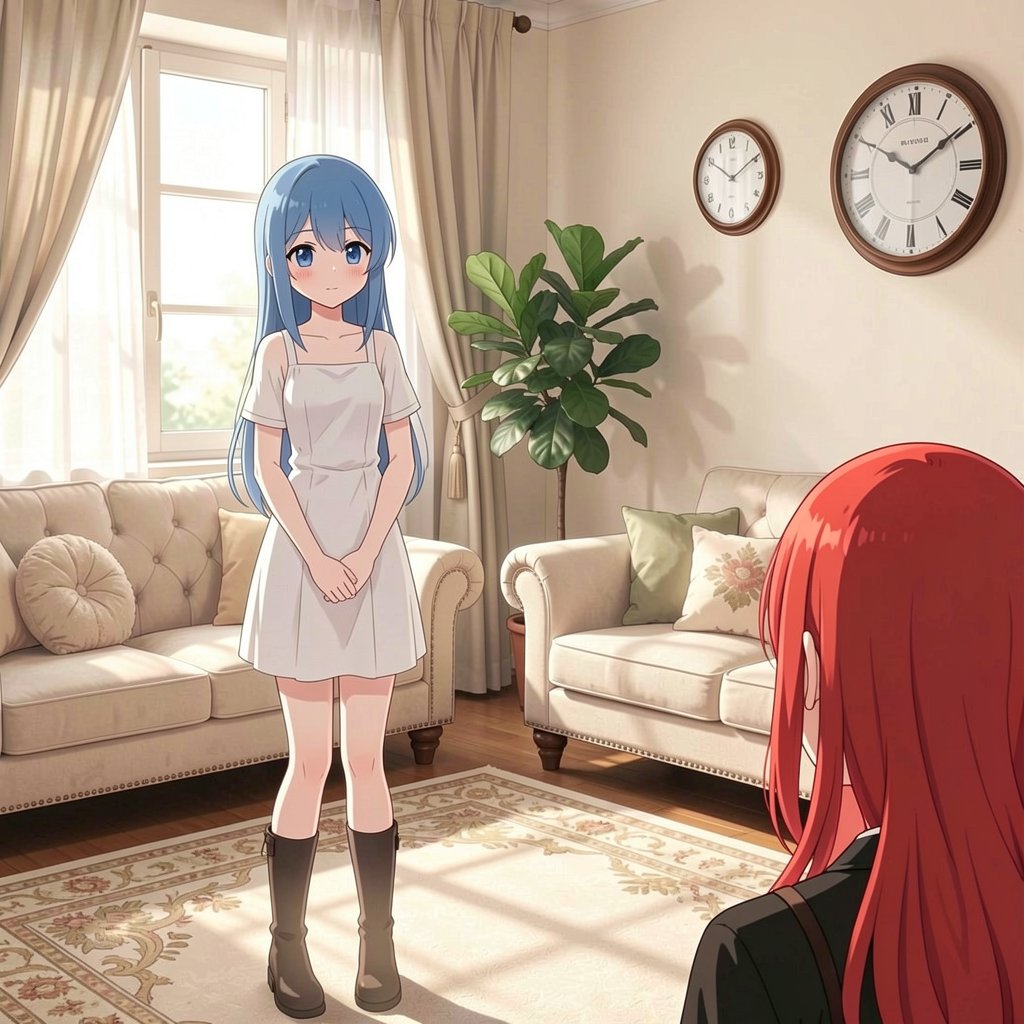
8 steps
時計がデカすぎる上に、2つある。服のコピーに失敗している
間違えてプロンプトにソファを2回書いている。
# person

There are two persons.

A red haired girl in image 1 facing backward in right bottom corner of image 2.

A blue haired girl in image 1 facing front in far left side of image 2.

# background

There is a sofa, a carpet, a window, a potted plant, a clock and a sofa.
背景画像+人物画像+棒人間構図
image 1
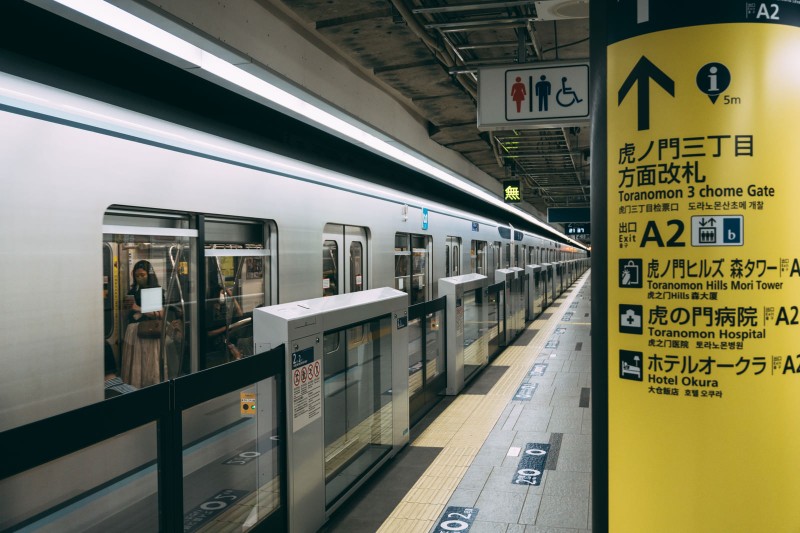
image 2
出典:https://www.pakutaso.com/20200626169post-28885.html 著作者:unific
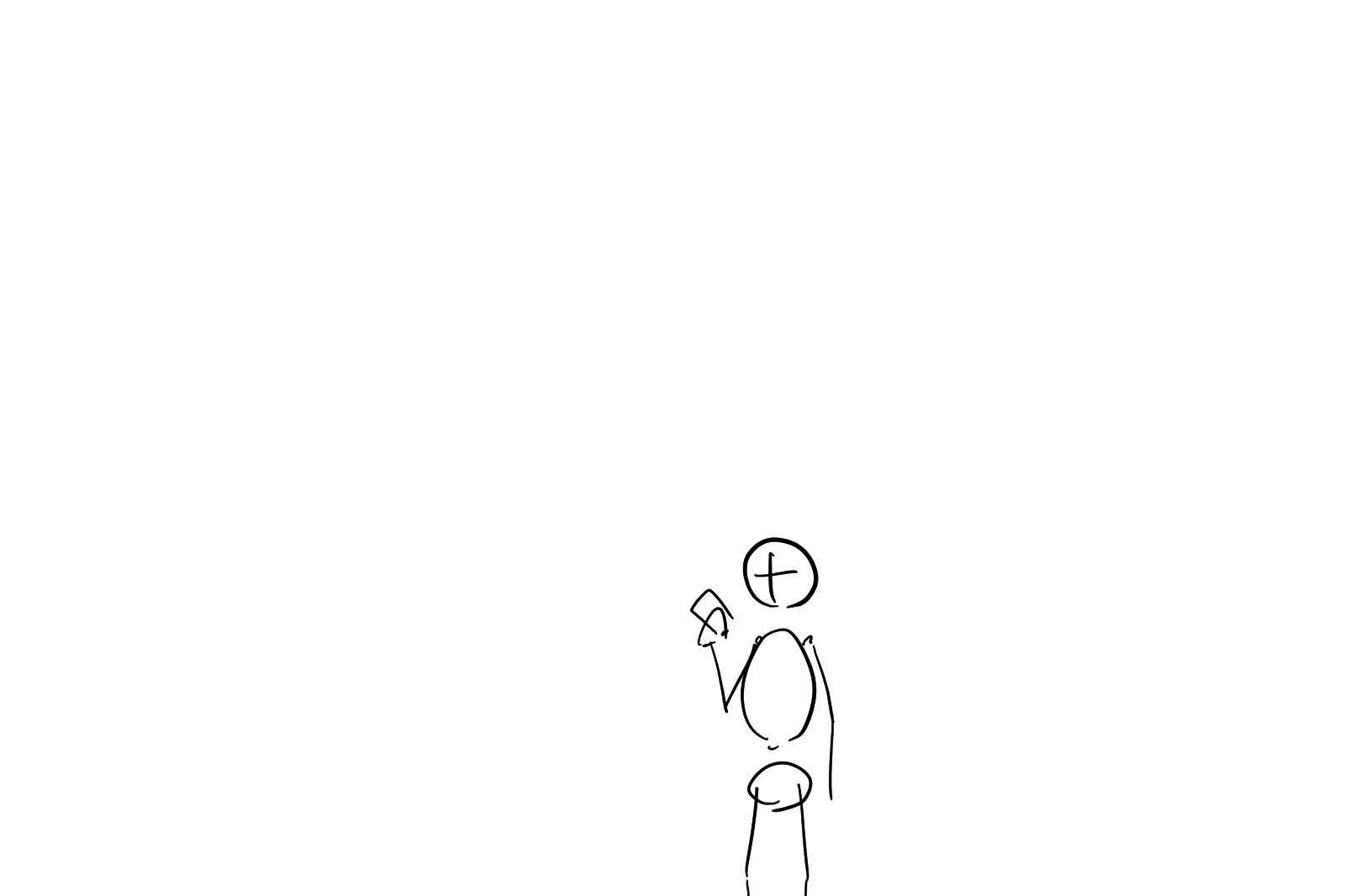
image 3
結果
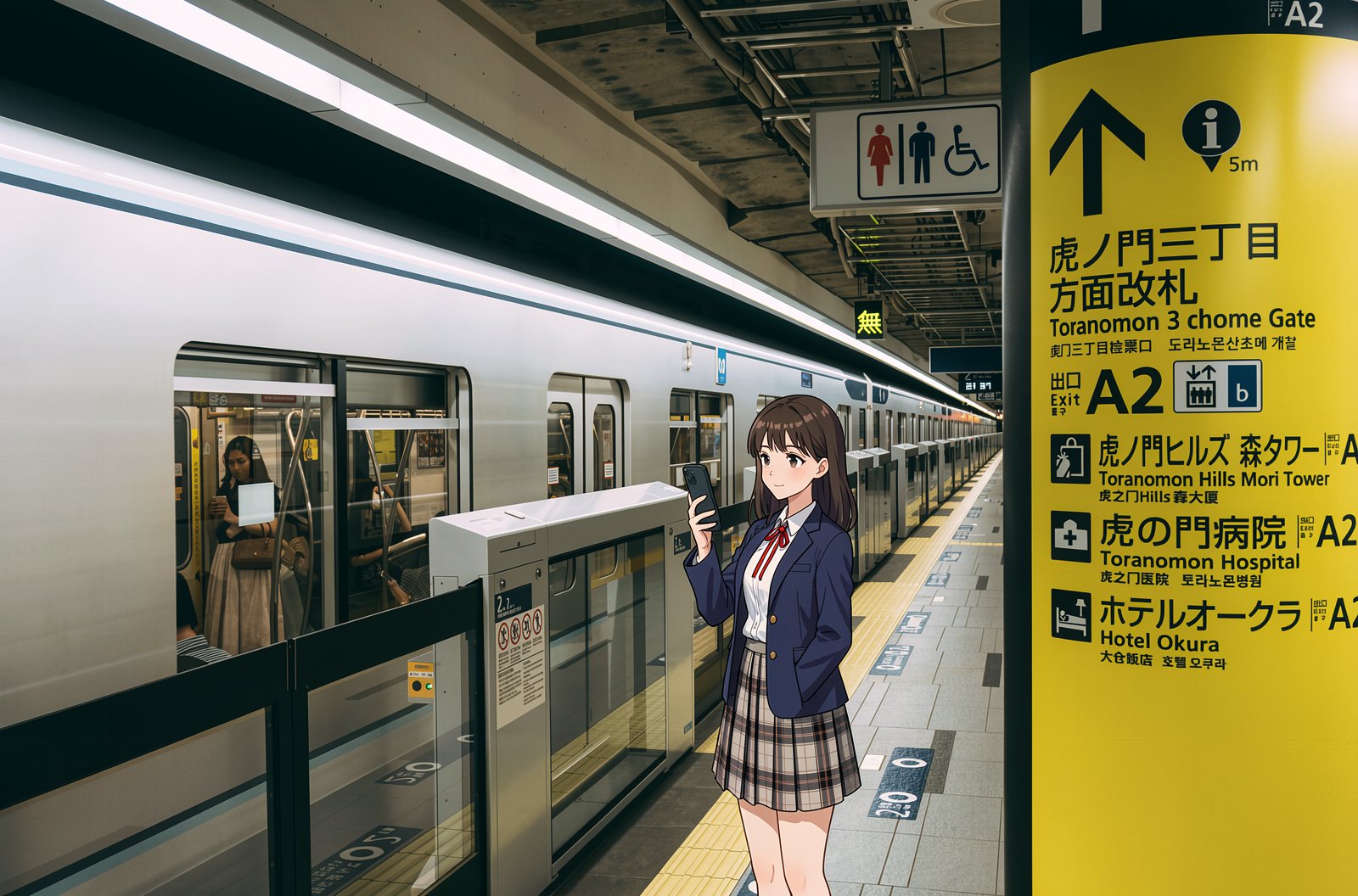
Match a pose and location from image 3. A girl in image 1 is standing in image 2. She is holding an iPhone.
背景写真と人物と合成する場合、FLUX.2 はアイレベルやパースを考慮した合成はできないので、構図やパースを考慮したレイアウト画像を用意する必要がある。
同時に複数のことをやらせようとすると高確率で失敗する。例えばプロンプトに She is holding an iPhone. Style is Line Art and halftone. と入れると、配置もポーズもトーン化も中途半端になる。なので、以下のようなワークフローで3回修正を実行するのが推奨される:
- キャラのポーズを変更した画像を作成する
- 背景と合成する
- トーン化
アップスケール
拡大前の画像
FLUX.2 klein 9B
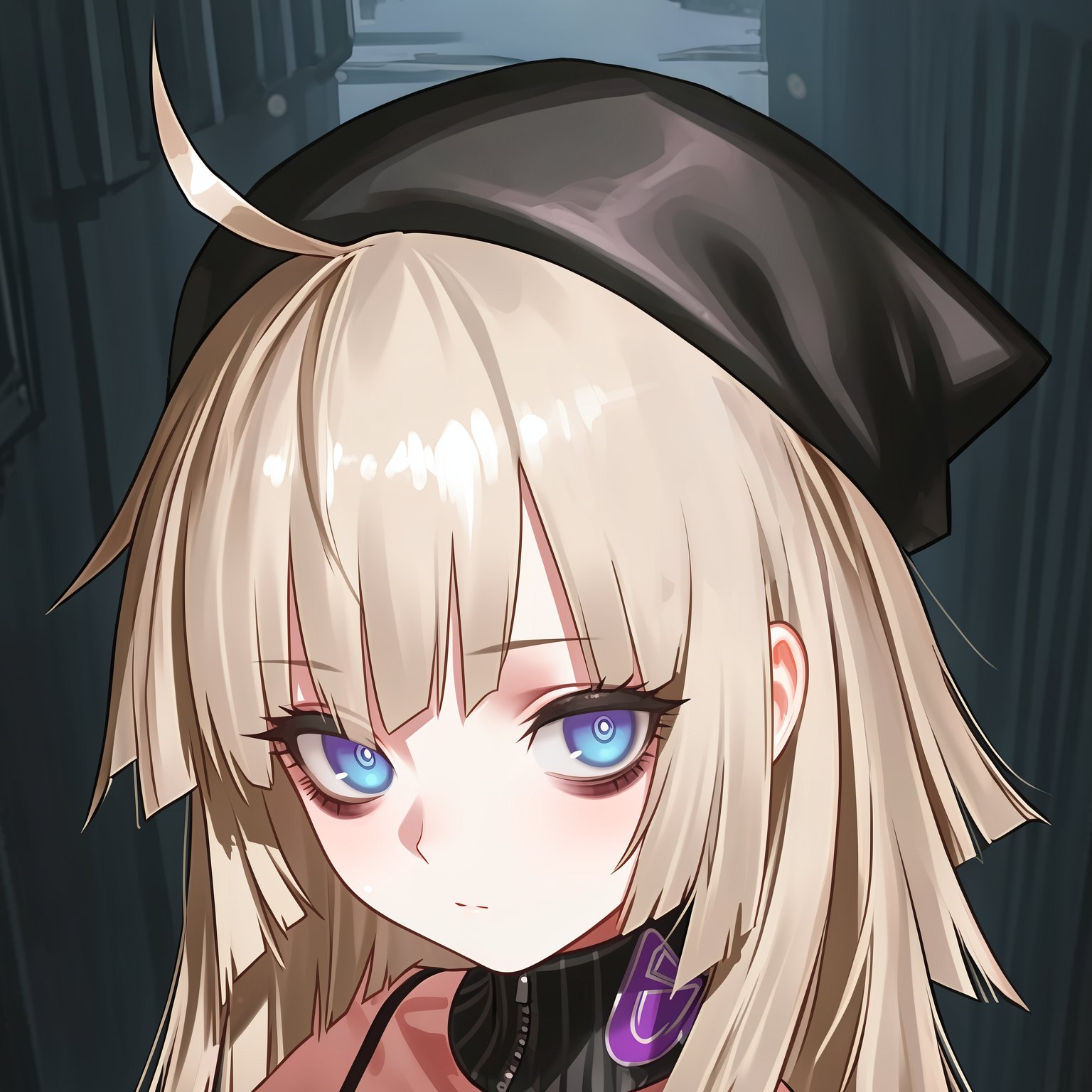
色が変わる
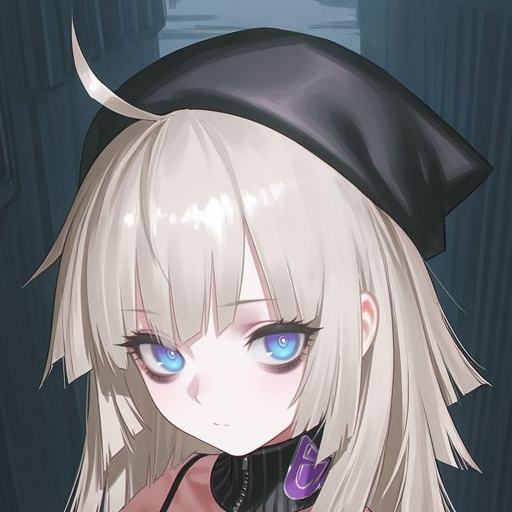
512 x 512 の画像を Upscale Image By の lanczos で3倍に拡大したものを入力している。
Upscale the image 1 and increase the sharpness. Add details. Keep the original style and color.
Qwen Image Edit 2509
オブジェクト回転
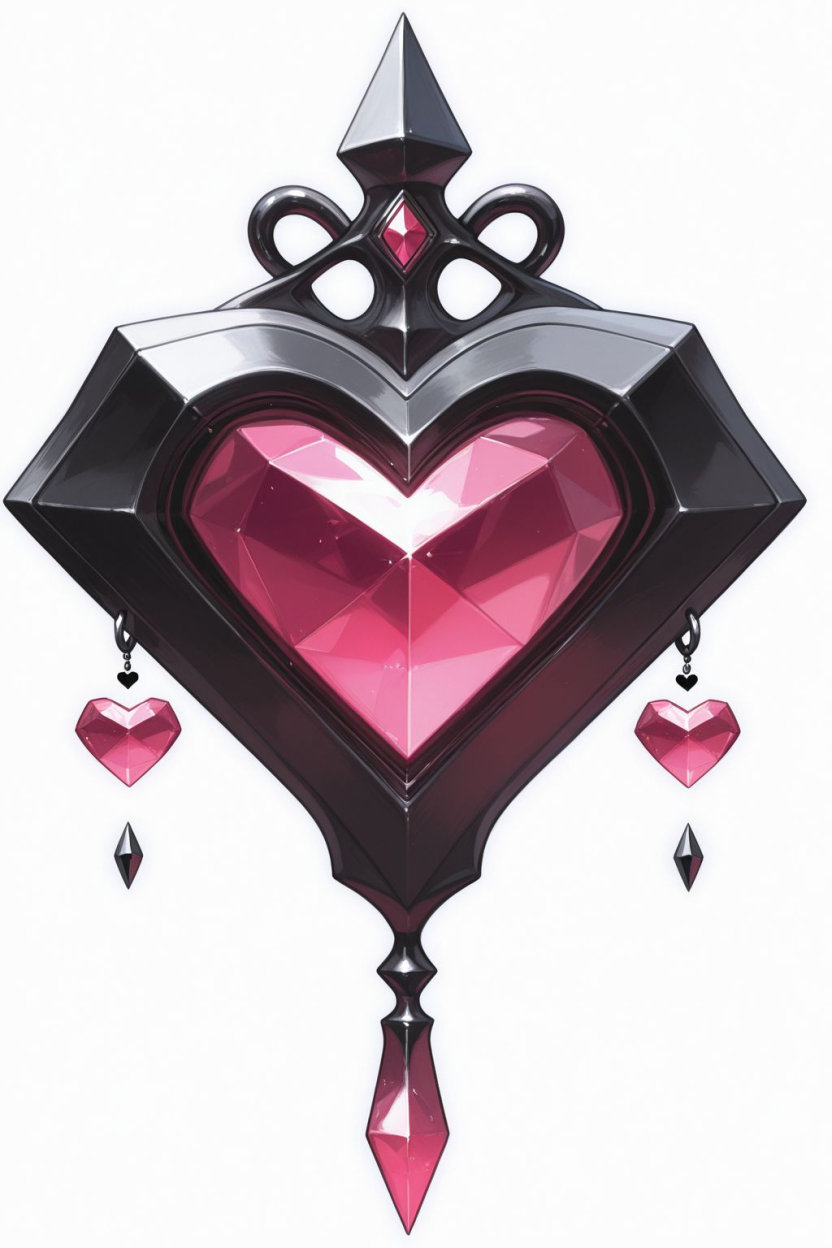
image1
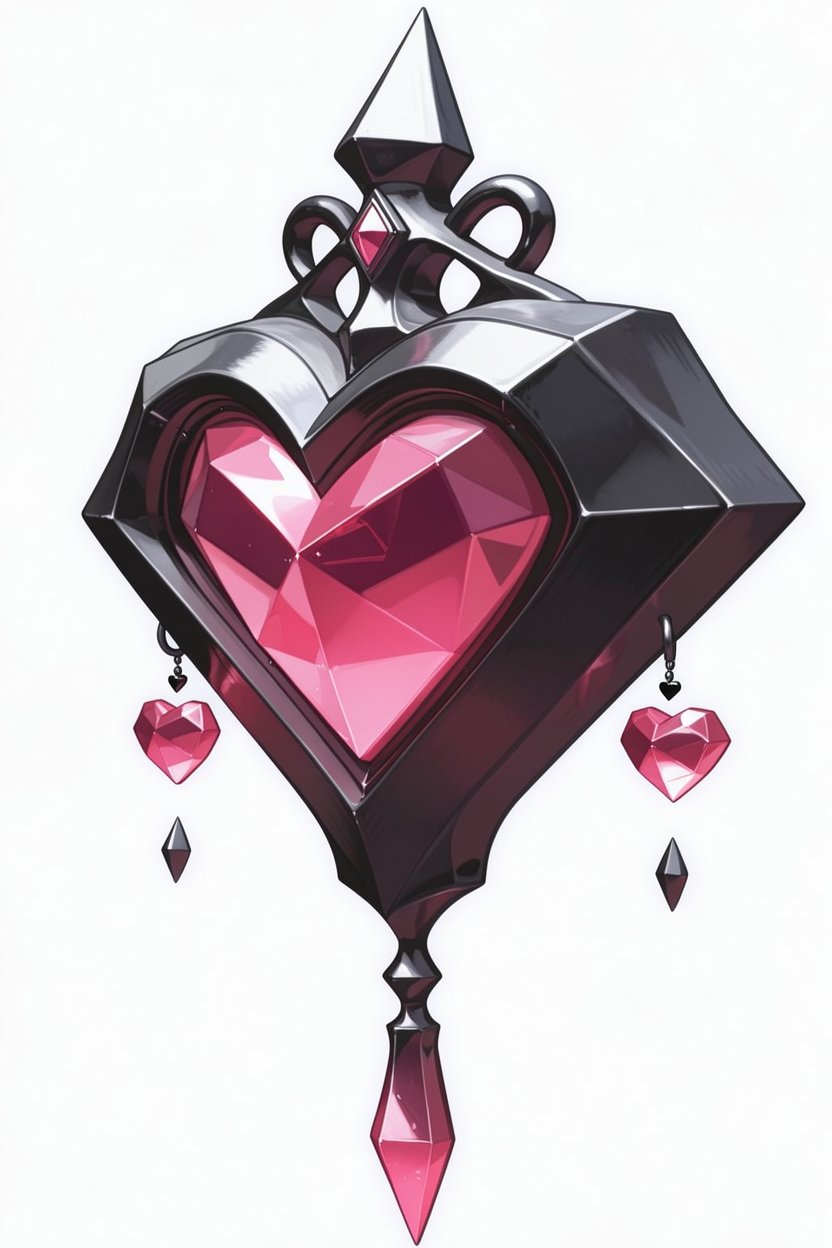
結果
Rotate the camera 45 degrees to the left.
Qwen Image Edit 2511 とは回転方向が逆。
人物回転
入力画像
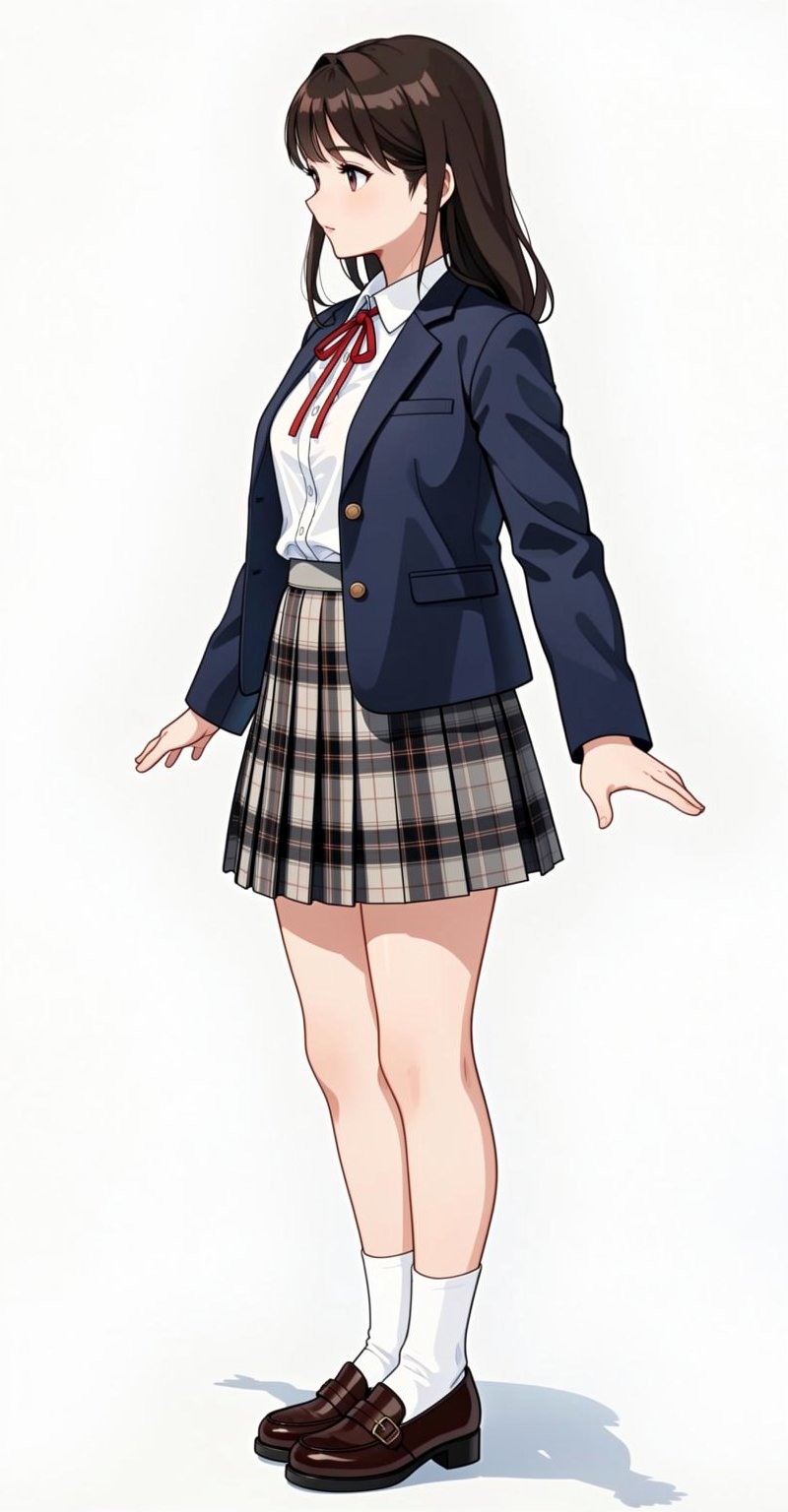
カメラ回転
Rotate the camera 45 degrees to the left.
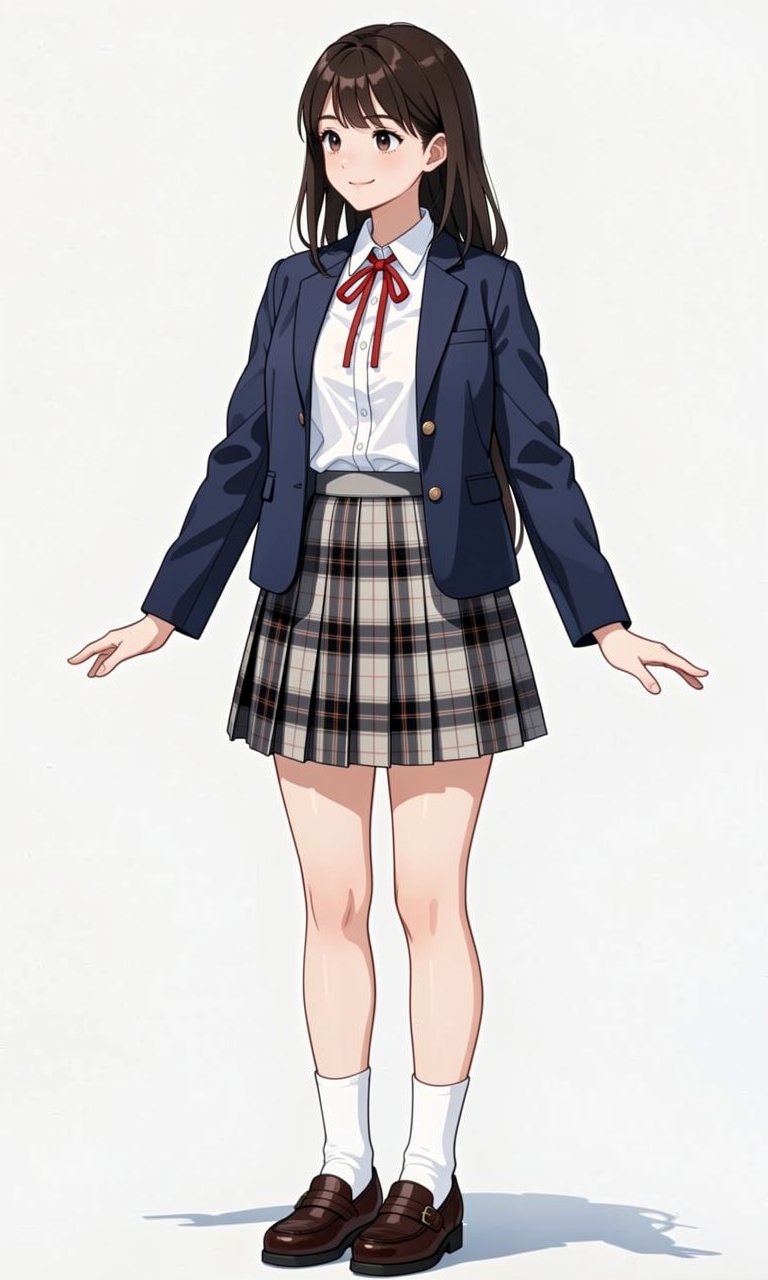
画像回転
Rotate the image 1 5 degrees to the left.
背景回転
| モデル | 挙動 | 説明 |
|---|---|---|
| パン | カメラの位置を変えずに水平方向(左右)に首を振る rotate the camera to the left はカメラを固定して左を向くと解釈される | |
| FLUX.2 klein | 回り込み | 被写体の周りをカメラが移動 rotate the camera to the left は被写体の方を向いたままカメラの位置を左に移動すると解釈される |
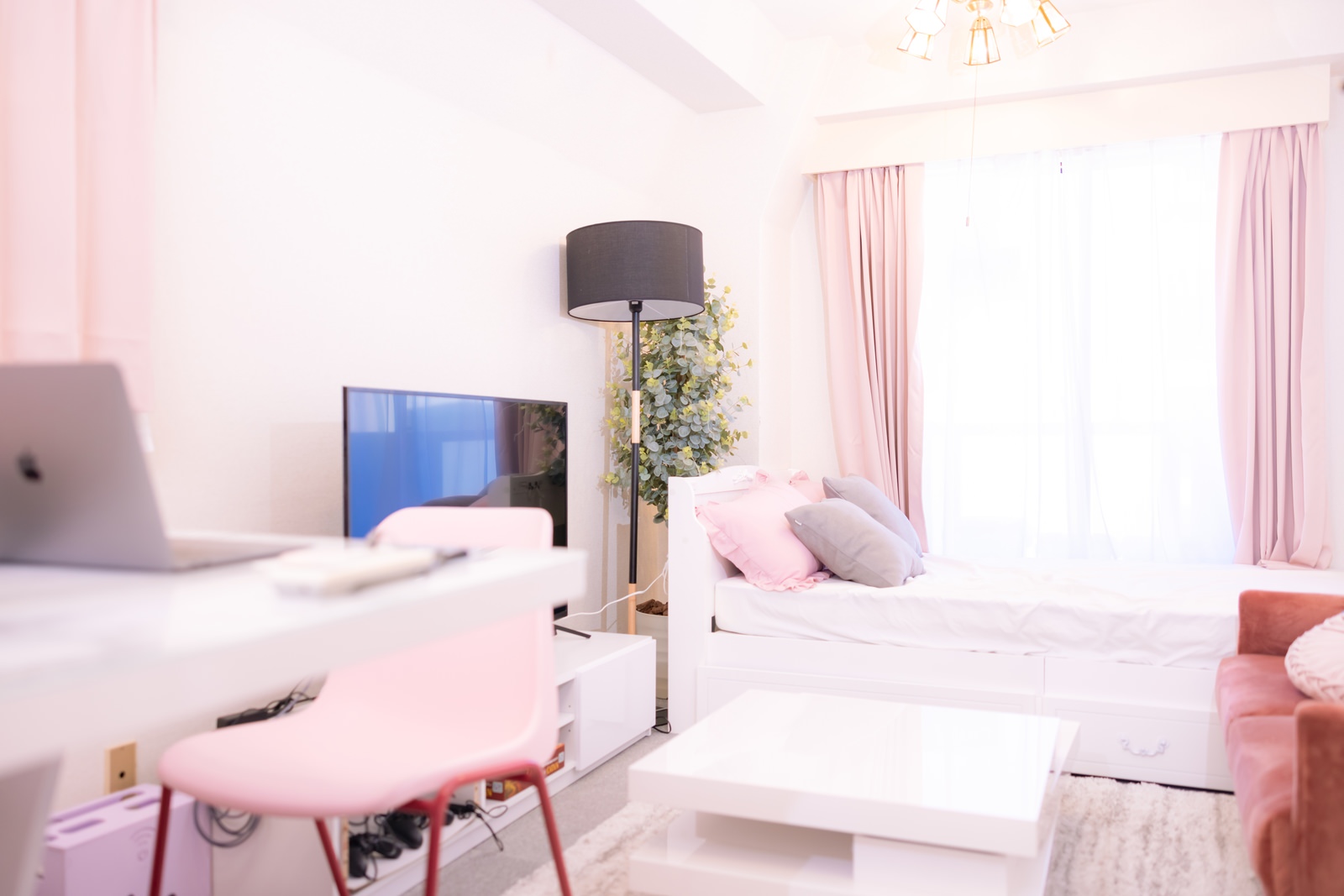
入力画像
出典:https://www.pakutaso.com/20220122019post-38482.html 著作者:すしぱく
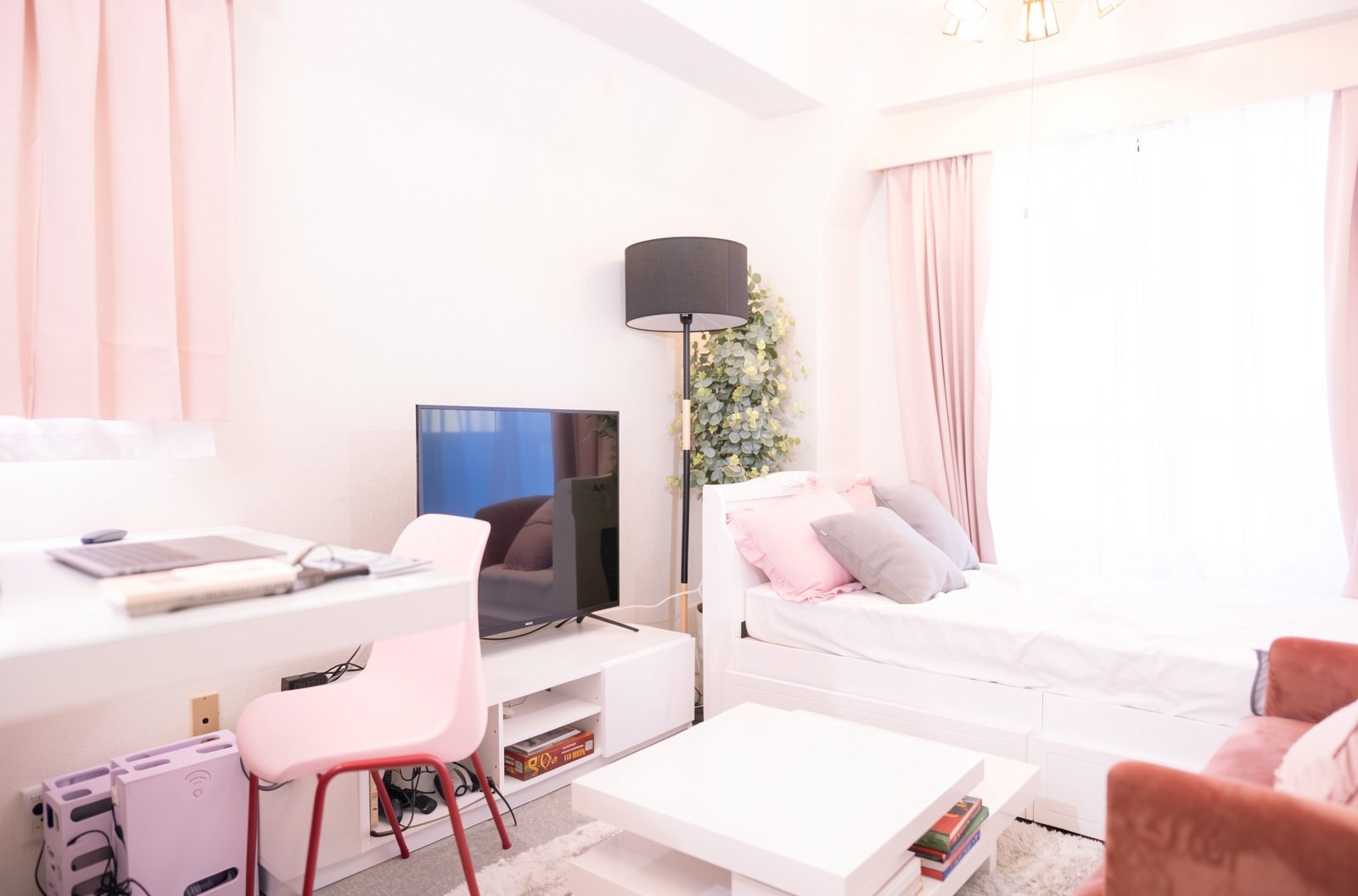
FLUX.2 klein 9B
Qwen Image Edit と違い加筆した部分の破綻が大きい
Rotate the camera 30 degrees to the right. There are some english books on the white teble in the left side.
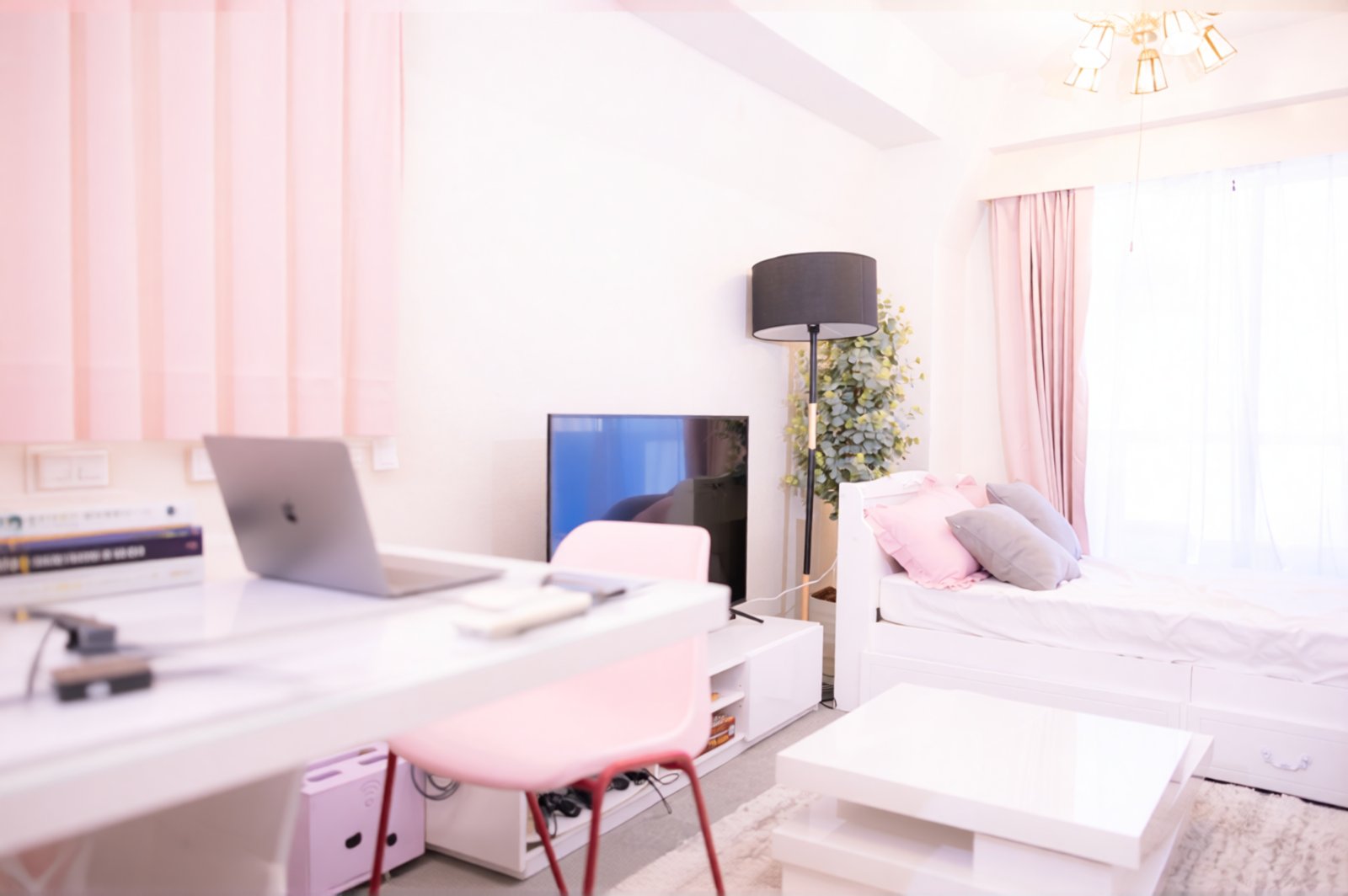
Qwen Image Edit 2511
Rotate the camera 30 degrees to the left. There is a power strip and some english books on the white teble in the left side.
外部リンク
advanced prompt adherence: Z image(s) v. Flux(es) v. Qwen(s)